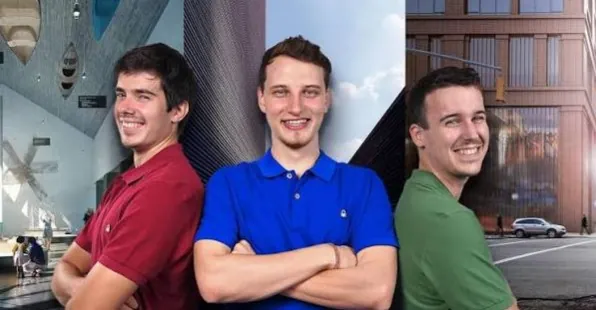
Want interior renders that actually sell a project? In this course Phrame shows you their full workflow for a single-family home in the forest, from 2D plans…
It looks like you're using an adblocker. Adblockers make us sad. We use ads to keep our content happy and free. If you like what we are doing please consider supporting us by whitelisting our website. You can report badly-behaved ads by clicking/tapping the nearby 'Advertisement' X text.



Want interior renders that actually sell a project? In this course Phrame shows you their full workflow for a single-family home in the forest, from 2D plans…
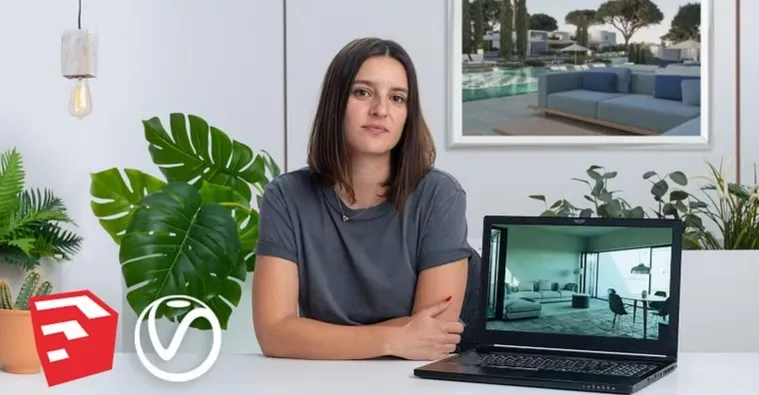
If your SketchUp exports still look flat, this course fixes that fast. You learn how to set up V-Ray, light a scene, and get clean, presentable images…
This is part two of the V-Ray series, and it’s all about making materials look real. You’ll go from poking around Hypershade to building full VRayMtl networks…
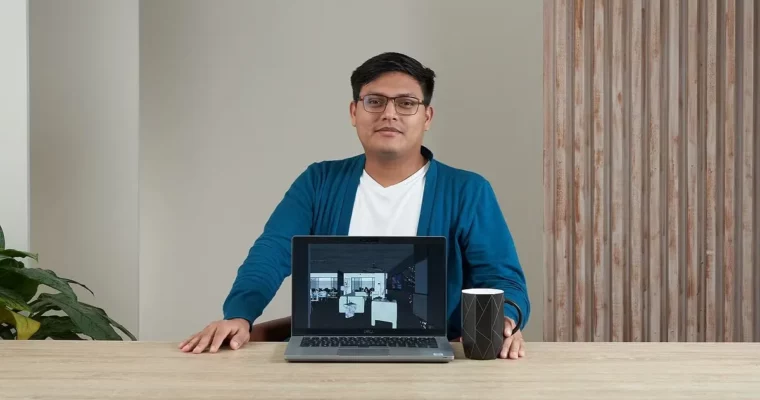
Want your interiors to stop looking flat and CG? This course shows you how to light, texture, and render a believable shared space in SketchUp and V-Ray,…
If your renders still look a bit too CG, this one is for you. You will build a full Japanese alleyway and fix the small stuff that…
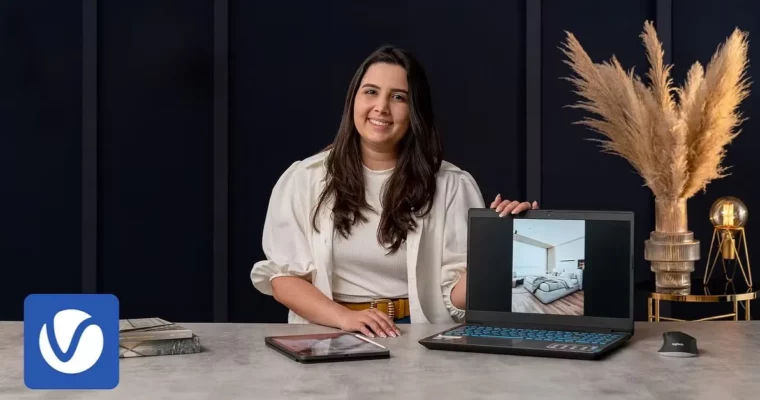
If your renders still look flat and CG, it’s almost always the light. This course shows you how to fix that in V-Ray with SketchUp, from clean…
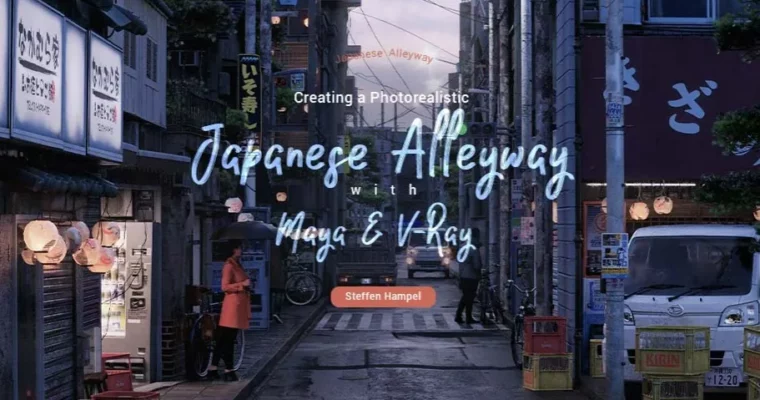
Want a 3D environment that doesn’t scream CG? This course walks you through a full Maya and V-Ray workflow to build a photoreal Japanese alleyway, from reference…

This course is a practical walkthrough of Bifrost inside 3ds Max, focused entirely on getting you comfortable with liquid simulation. You’ll start with the basics—creating a liquid,…
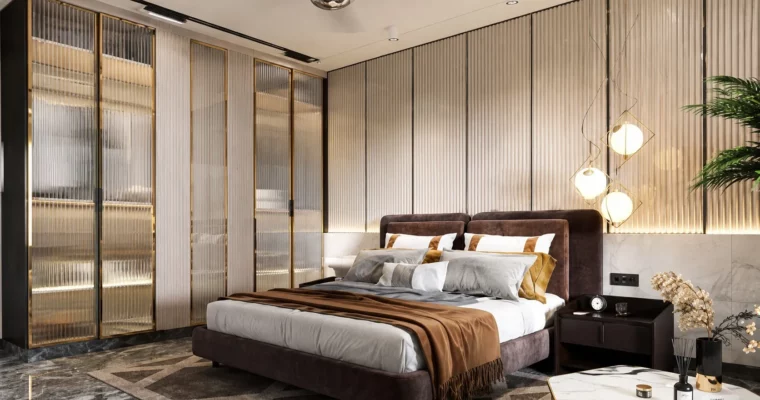
This course walks you through the entire process of creating a photorealistic interior render and a walkthrough animation. You’ll start from a blank scene in 3ds Max,…
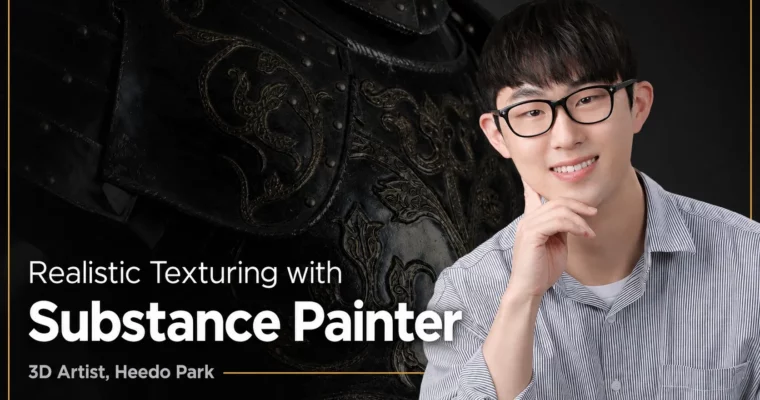
This course is a straight shot to better texturing. Instructor Heedo Park skips the fluff and focuses on the practical pipeline that gets you from a raw…
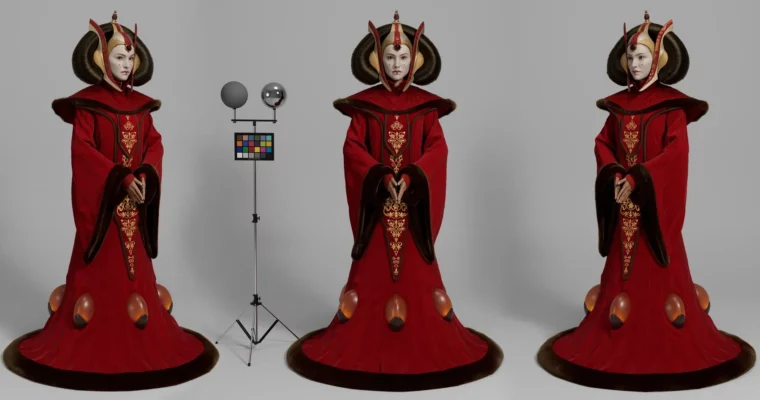
A practical tutorial on setting up a neutral studio lighting environment for look development. You’ll get the actual scene file and calibration stand, plus a walkthrough for…
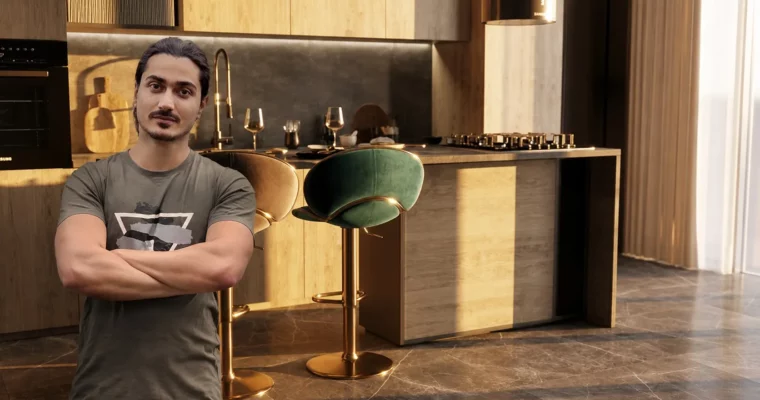
A focused, no-fluff workshop that takes you from a blank 3ds Max scene to a finished photorealistic render using Chaos Vantage. In under 2 hours, you’ll learn…