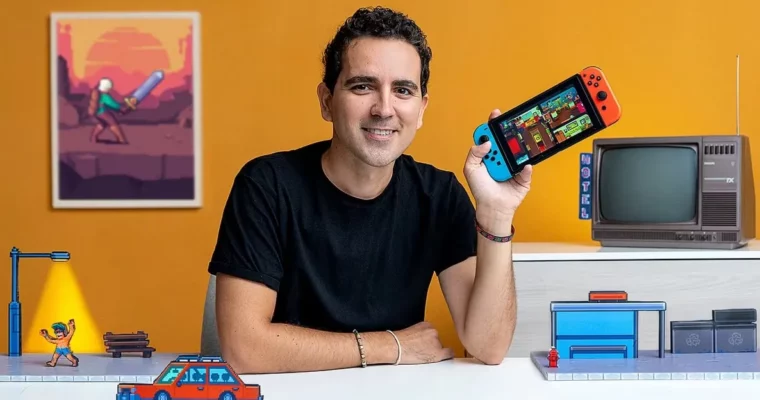
Creation of Pixel Art Scenes for Video Games by Daniel Benítez

Actual Duration:3h 6m
Release date:2021
Publisher:Domestika
Skill level:Beginner
Language:English
Exercise files:Yes
Software:Pyxel Edit, Tiled
Course URL:https://www.domestika.org/en/courses/1467-creation-of-pixel-art-scenes-for-video-games
Want your 2D game to actually feel like a place? This course shows you how to plan, pixel, and assemble a full tileset you can reuse to build real playable scenes.
🎯 What you’ll learn
- What makes a solid 2D pixel art scene and how players read it
- What tilesets and tilemaps are and how they work together
- How to plan a scene with blocking before you touch final pixels
- How to pixel floors, walls, ceilings, windows, doors and props in Pyxel Edit
- How to create objects, obstacles and backgrounds that support gameplay
- How to expand, organize and export your tileset for reuse
- How to build multiple scenes from one tileset using Tiled
✅ Requirements
- Skills: Basic drawing skills helpful, no prior pixel art experience needed
- Tools: Pyxel Edit for tiles, Tiled for level assembly
- Hardware: Standard computer capable of running Pyxel Edit
📝 Description
This is not theory-only stuff. Daniel walks you through the full loop: idea, blockout, tiles, export, playable scene. You start with rough planning and the blocking technique, so you lock composition and scale before you waste time on details.
Then you get into the actual pixel work in Pyxel Edit. Floors, walls, ceilings, windows, doors — all built as small reusable pieces. Daniel shows how to keep your limited palette consistent, how to add texture without noise, and how to make props and obstacles that actually make the game more fun to play, not just prettier to look at.
The part most beginners miss? Reuse. You will learn how to expand a tileset with smart variations, keep it organized, export it clean, and then load it into Tiled to lay out completely different scenes from the same set. Same tiles, new level. That is how small teams ship more content fast.
Daniel Benitez works as a game developer for Cartoon Network and runs his pixel art brand Mucho Pixels, so the workflow here is production-minded. Short lessons, lots of drawing, and tips at the end on getting better and putting your work online where people can find it.
🧑🎓 Who this course is for
- Artists just starting with pixel art who want a clear workflow
- Beginners building their first 2D video game and needing real environments
- Students from Daniels character courses who want to finish their game worlds
🧑🏫 About the Author
Daniel Benitez is a game developer and pixel art specialist known for his work with Cartoon Network and his own brand Mucho Pixels. He started making games on his own before moving into the industry full-time. At Domestika he already teaches character creation and frame-by-frame animation, and this third course closes the loop with environments and tilesets.
🏁 Final Result
- A complete reusable tileset and at least one finished pixel art scene for a 2D game, exported and assembled ready to show in your portfolio.
 Channel