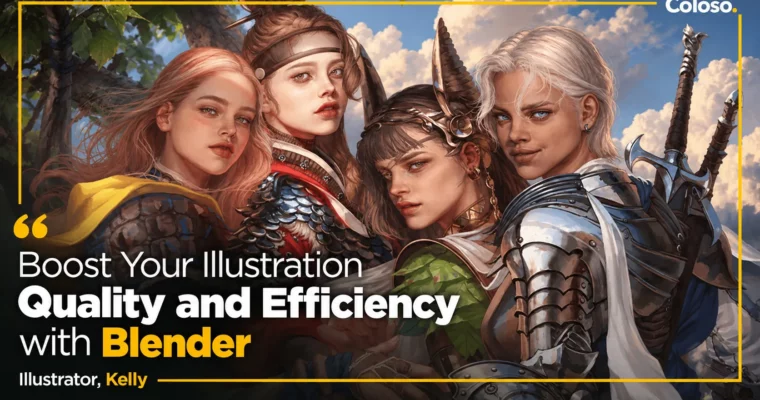
Boost Your Illustration Quality and Efficiency by Blender by Kelly

Duration:32 Hours 38 Minutes
Actual Duration:65h 25m
Release date:2024, April 20
Publisher:Coloso
Skill level:Advanced
Language:English
Exercise files:Yes
Software:Blender, Photoshop
Course URL:https://coloso.global/en/products/illustrator-kelly-us
Tired of spending hours fixing anatomy and lighting by hand? This class shows you how to model your own drawing style in Blender, set the pose and light in minutes, then paint over the render in Photoshop for a thick, oil-painting finish.
🎯 What you’ll learn
- Set up Blender for 2D work: UI, navigation, essential add-ons and tablet settings
- Sculpt a stylized character that matches your own proportions and face style
- Retopology, UVs and normal baking with free add-ons and Retopoflow
- Rig with Rigify, fix weight paint issues, and create poses and facial expressions with Shape Keys
- Set up lights, cameras and Cycles renders for illustration-ready base shots
- Paint over 3D in Photoshop: brushes, textures, hair, skin and costume detailing
✅ Requirements
- Skills: Basic drawing fundamentals, familiarity with Photoshop layers and brushes
- Tools: Blender 3.1.2 (free), Adobe Photoshop CS5 or newer, drawing tablet
- Hardware: Minimum 16GB RAM, dedicated GPU recommended for Cycles rendering
📝 Description
If you draw for a living, you know the problem. The better you get, the more time you burn on the boring parts — fixing the same arm, hunting for a good angle, repainting light that does not make sense. Kelly’s fix is simple: do that heavy lifting in Blender once, then spend your energy on painting.
This is not a general Blender course. It is built for 2D artists who hate 3D UI. You start with install, layout, shortcuts and tablet setup, then jump straight into a practical loop: sculpt shapes, push proportions to match your taste, and learn to see anatomy in three dimensions instead of guessing from flat refs.
Then you make that sculpt actually usable. You will do full retopology for face, body, hands and feet, cut UVs, bake normals, add eyelashes with particles, teeth, and a working Rigify rig. That means you can pose the same character again and again, change the camera, swap the lighting, and render a solid base in minutes. No more redrawing 20 thumbnails to find one composition.
The second half is all paint. Kelly renders out and takes it into Photoshop. You will block in base colors, lock the silhouette, check values in black and white, then build up density with custom brushes and photo textures. Hair shine, skin softness, fabric folds and metal bits — each gets a clear, repeatable pass. The goal is that thick, layered look like oil painting, but without spending a week on one piece.
🧑🎓 Who this course is for
- Illustrators who want to cut repetitive work and finish faster without losing quality
- 2D artists scared of 3D who need a Blender workflow made for painters, not modelers
- Game / freelance artists who need consistent characters, angles and lighting on deadline
🧑🏫 About the Author
Kelly is a freelance illustrator with 9 years in games. She worked on Nexon’s Wild Land: Durango, Smilegate’s VR title ROGAN: The Thief in the Castle, and Bluehole’s Project W, plus a long list of outsourcing projects.
She teaches from real production pressure — how to keep work efficiency high, build a repeatable cycle, and still keep your personal style intact. Her thing is helping artists figure out what they actually like to draw and turning that into a system you can use every day.
🏁 Final Result
- A fully rigged, stylized 3D character in your own drawing style, plus 1-2 finished high-density illustrations painted over your 3D renders — ready for portfolio.
📢 Guys, this is a Group Buy campaign, check the GBC forum thread to get access
You can find the course preview in the download section below.
 Channel