Mechanical Rigging in Blender – Battle Drone by Todor (cgdive.com)

Actual Duration:1h 20m
Release date:2025, October
Publisher:Gumroad
Skill level:Beginner
Language:English
Exercise files:Yes
Software:Blender
Course URL:https://toshicg.gumroad.com/l/rigging_isnt_scary_blender_course?layout=profile
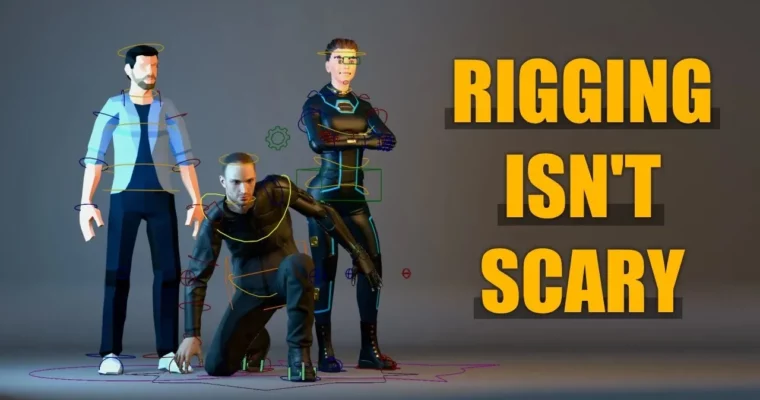
This course is a straight-up, no-nonsense introduction to manual rigging in Blender. It’s designed for people who think rigging is some dark art. Todor breaks it down into three clear levels, starting from “what is a bone” all the way to building a rig with IK-FK switching and custom properties. You can even watch the whole thing for free on YouTube if you want.
🎯 What you’ll learn
- Build a complete character rig from scratch using manual bone placement
- Master weight painting for clean deformations
- Create advanced mechanisms like IK-FK switching and limb isolation
- Set up shape keys, drivers, and custom properties for facial rigging
- Understand bone roll and its impact on deformation quality
✅ Requirements
- Skills: Basic familiarity with Blender’s interface and 3D navigation
- Tools: A 3-button mouse with scroll wheel
- Hardware: A computer capable of running Blender 2.8 or newer
📝 Description
This isn’t one of those courses that throws you into the deep end. Todor starts with the absolute basics—what a bone is, how to add one, and how to connect them. Level 1 is five short lessons that get you rigging your first character. No fluff, no skipping steps.
Level 2 is where things get interesting. Most rigging courses jump from “here’s a bone” to “here’s a complex auto-rig,” leaving you confused. Todor fills that gap. You’ll learn about bone roll, a concept that even experienced users often get wrong, and how to use anatomy as a guide for bone placement. You’ll build wrist twists, shoulder setups, and a foot rig that actually works.
Level 3 is the payoff. You’ll build a rig with IK-FK switching, limb isolation, and a complex spine setup. Todor walks you through shape keys and drivers for facial rigging, and shows you how to create custom properties that make your rig easy for animators to use. By the end, you’ll have a portfolio-ready character rig.
The course is available for free on YouTube, but buying it here gets you downloadable videos and access to CGDive Academy for streaming. It’s a contribution to the Blender community, plain and simple.
🧑🎓 Who this course is for
- Blender users who are new to rigging and armatures
- Riggers from 3ds Max, Maya, or Cinema 4D who want to switch to Blender
- Animators who want to understand and tweak the rigs they’re using
🧑🏫 About the Author
Todor is the creator behind cgdive.com, a channel dedicated to making rigging accessible. He’s been teaching Blender rigging for years and understands the common pain points beginners face. His approach is methodical and patient, focusing on building a solid foundation before moving to advanced topics. He’s also working on a follow-up course, “Rigging Unleashed,” for those who want to go even further.
🏁 Final Result
- A fully functional character rig with IK-FK switching, custom bone shapes, and a shapekey-based face rig, ready for animation.
 Channel