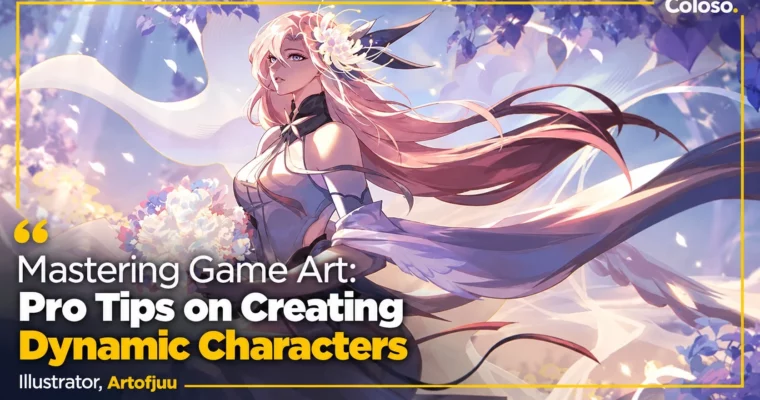
Mastering Game Art – Pro Tips on Creating Dynamic Characters by Artofjuu

Duration:17 Hours 5 Minutes
Actual Duration:19h 11m
Release date:2024, August
Publisher:Coloso
Skill level:Beginner
Language:English
Exercise files:Yes
Software:Clip Studio Paint, Photoshop
Course URL:https://coloso.global/en/products/illustrator-artofjuu-us
Go from blank canvas to hire-ready game character. Artofjuu walks you through brief, anatomy, silhouette, props, coloring, and final illustration, so you end up with a full sheet plus merch-ready chibi.
🎯 What you’ll learn
- Stylized anatomy and design principles for a solid, repeatable workflow
- Gesture drawing and flow to sell personality and movement
- Design thinking from brief to props, fashion, and hair
- Composition techniques that push story and lore
- Advanced coloring, lighting, and rendering for polished finals
- How to turn your design into cute chibi merch
✅ Requirements
- Skills: Basic drawing ability, familiarity with layers and brushes in any digital art app
- Tools: Clip Studio Paint Pro (Procreate, SAI, Krita, Medibang or Photopea as alternatives), drawing tablet
📝 Description
You know that feeling of starting to draw with no plan? This class fixes that. You start with a real design brief, worldbuilding, and story, then use shape language and silhouette to make choices fast. Artofjuu shows a game-pipeline way of working – methodical, but still fun to draw.
Then you get into the stuff that makes characters feel alive. Stylized anatomy, gesture drawing, faces, eyes, hands, hair flow. All done in Clip Studio Paint with 15 small exercises, so you are not just watching – you are building muscle memory. Big-Med-Small, push and pull, tangents, contrapposto – practical tricks you can use the same day.
Rendering gets the same no-nonsense treatment. Color theory, light setup, material rendering for hair, clothes, and metals, plus lineart cleanup and post-processing. You will see exactly where to put detail and where to hold back so the focal point reads. Includes PSD demos, brushes, and class notes to follow along.
You wrap with a proper character sheet laid out for portfolio, a full storytelling illustration, and a chibi version for merch. File management for animation in Spine2D / Live2D / After Effects and tips on portfolio presentation are in there too.
🧑🎓 Who this course is for
- Beginners in anime / game illustration who want a clear start-to-finish process
- Aspiring character designers and concept artists building a game-art portfolio
- Freelancers who want faster, cleaner delivery for client and merch work
🧑🏫 About the Author
Hi! I’m Juu – Artofjuu – a game artist and freelance illustrator focused on character and environment concept design. I also have generalist experience in game UI and 2D VFX, and I graduated with First Class Honours in Master of Architecture from the University of Melbourne, then with distinction from 3Dsense Media School.
I spent 2022-2024 as a Game Artist at Easygo Gaming, did card art for the Genshin Impact Tarot Card Game and Codashop x Genshin Impact collab, plus concept work for indie games and publications. I now mentor with ABP. In this class I teach the exact thinking and rendering workflow I use on real game jobs.
🏁 Final Result
- A finished anime-style character sheet with full-body render, expressions, hands, hair and prop studies, plus a storytelling final illustration and chibi merch version – all portfolio-ready with PSD source files.
📢 Guys, this is a Group Buy campaign, check the GBC forum thread to get access
You can find the course preview in the download section below.
 Channel