After Effects Premium SaaS Border Beam Animation by Valeri Visuals

Duration:54m
Actual Duration:54m
Release date:2026, June
Publisher:Udemy
Skill level:Intermediate
Language:English
Exercise files:Yes
Software:Adobe After Effects
Course URL:https://www.udemy.com/course/after-effects-premium-saas-border-beam-animation
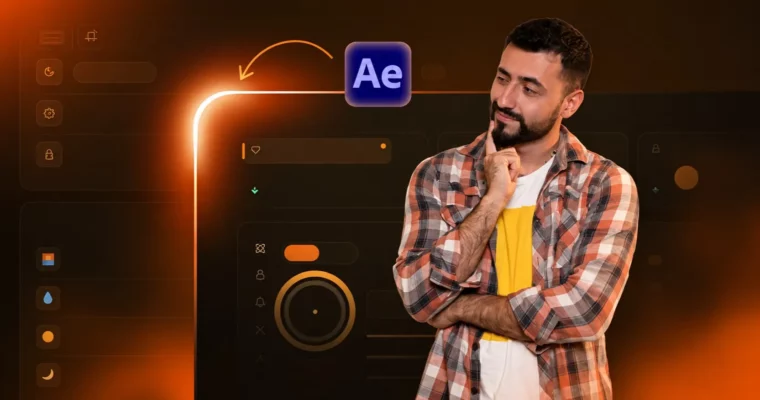
This one is for that super clean light sweep you keep seeing in high-end SaaS videos. You will build a full border beam animation in After Effects from zero, no plugins, and learn how to make it wrap around any UI design with track mattes and smart setup.
🎯 What you’ll learn
- Build a premium Border Beam Animation from scratch natively in After Effects without plugins
- Animate a glowing beam that reveals a UI design like a spotlight sweep
- Set up parenting and expressions for a flexible project that adjusts automatically
- Use track mattes to structure the beam, UI reveal, and inner glow cleanly
- Apply glow, sweep, and color correction for a polished, cinematic look
- Troubleshoot common issues and fix breaks without rebuilding the comp
- Export a reusable border beam setup you can drop into future projects
✅ Requirements
- Skills: Basic knowledge of After Effects including keyframes, precomps, track mattes and core tools
- Tools: Working installation of Adobe After Effects, no plugins needed
📝 Description
This is the first class in the Premium Effects Collection, and it tackles one effect properly. Not a 5-minute YouTube trick. You get the full build for a border beam animation in After Effects, plus the why behind every step.
The workflow is all native. You will shape the beam, wire it up with parenting and expressions, then lay your UI underneath with mattes so the light actually feels like it is revealing the interface. When you change the card size, the rig follows. That is what makes it usable for client work, not just a one-off.
Then we get into the finish. Glow, sweep, and color correction to sell the expensive look, plus a full breakdown of what usually goes wrong — broken edges, matte chatter, timing that feels cheap — and how to fix it fast. Short class, zero fluff, and you walk away with a setup you can reuse.
🧑🎓 Who this course is for
- Motion designers and video editors who want premium-looking animations for SaaS and product videos
- Intermediate After Effects users who know the basics and want to go deeper into real workflows
- Anyone who has seen the border beam effect and wondered how to actually build it right
🧑🏫 About the Author
Valeri Visuals makes focused After Effects classes for working designers. The focus is high-end motion design and SaaS explainer videos — those small effects that make a project feel premium. Teaching style is practical: build it from scratch, explain the problems, show the fixes.
🏁 Final Result
- A finished, portfolio-ready border beam UI reveal with glowing sweep, inner glow, and cinematic polish, built as a reusable native After Effects project you can adapt to any design.
 Channel