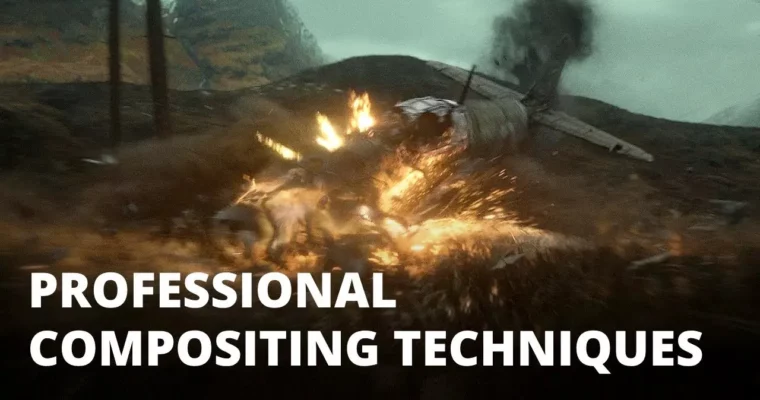
01 Professional compositing techniques (EN) by Aitor Echeveste

Duration:6 and a half hours
Actual Duration:6h 22m
Release date:2024, November
Publisher:Gumroad
Skill level:Advanced
Language:English
Exercise files:Yes
Software:Nuke
Course URL:https://aitorecheveste.gumroad.com/l/pct01
This course is for compositors who already know Nuke and want to face real production challenges. You’ll work through five different shots from a single sequence, dealing with the same kind of problems you’d find on a high-end film set. It’s about practical problem-solving, not theory.
🎯 What you’ll learn
- Build realistic environments using matte painting techniques inside Nuke.
- Perform look-dev directly in Nuke, skipping the need for extra render passes.
- Manage multiple shots in a sequence to keep visual consistency and speed up changes.
- Solve complex technical issues like chroma key artifacts, render errors, and deep compositing.
✅ Requirements
- Skills: Solid working knowledge of Nuke. You should be comfortable with the node graph and basic compositing operations.
- Tools: A 3-button mouse is recommended.
- Hardware: A computer capable of running Nuke smoothly with complex scripts.
📝 Description
This isn’t a beginner’s guide. It’s a deep dive into the messy, real-world problems that compositors face every day. Aitor Echeveste walks you through five shots from a single sequence, showing you how to think like a senior artist.
You’ll start by building environments with matte painting techniques, then move into integrating CGI with live-action plates. The course covers look-dev directly inside Nuke, which is a huge time-saver on fast-paced productions. You’ll also learn to manage a whole sequence, applying changes across multiple shots without breaking consistency.
The real value is in the problem-solving. You’ll deal with tricky chroma keys, render artifacts, and the complexities of deep compositing. Each module builds on the last, pushing you to handle more complex scenes. By the end, you’ll have a solid workflow for tackling high-end VFX work.
🧑🎓 Who this course is for
- Compositors with Nuke experience who want to move into more senior roles.
- VFX artists looking to improve their shot integration and problem-solving skills.
- Anyone who wants to see a professional’s complete workflow from start to finish.
🧑🏫 About the Author
Aitor Echeveste is a professional compositor with extensive experience in high-end VFX and film production. He has worked on major feature films, developing the practical, production-tested techniques taught in this course. His approach focuses on efficiency and real-world problem-solving, not just theory.
🏁 Final Result
- A portfolio-ready sequence of five fully composited VFX shots, demonstrating advanced skills in matte painting, CG integration, and deep compositing.
📢 Guys, this is a Group Buy campaign, check the GBC forum thread to get access
You can find the course preview in the download section below.
 Channel