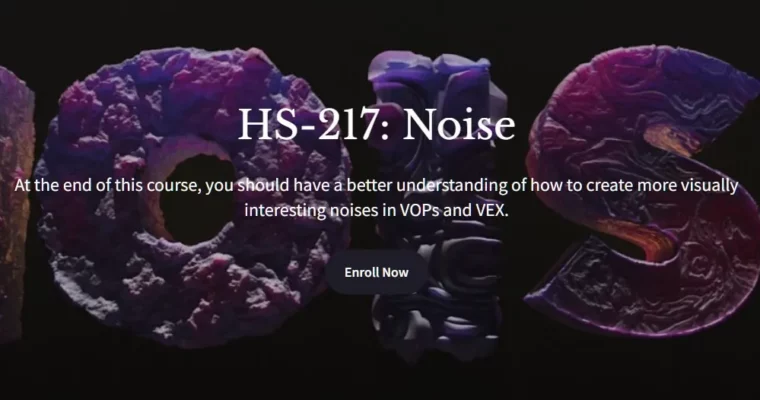
HS-217 – Noise by David Torno

Duration:7.5 hours
Actual Duration:7h 19m
Release date:2023, June
Publisher:Houdini School
Skill level:Intermediate
Language:English
Exercise files:Yes
Software:Houdini
Course URL:https://www.houdini.school/courses/hs-217-noise
This course is all about getting past the basics and actually playing with noise in Houdini. You’ll learn how to stack, mix, and twist simple noises into complex, visually interesting patterns. Think particle emission, shader masks, volume erosion, and geometry displacement — this is the practical stuff you’ll use every day.
🎯 What you’ll learn
- Layer and manipulate basic noises in VOPs and VEX.
- Create custom noise patterns for materials, volumes, and particles.
- Visualize noise output to debug and refine your setups.
- Use noise to drive parameters and control shape falloff.
✅ Requirements
- Skills: Basic understanding of Houdini’s UI and 3D space.
- Tools: A 3-button mouse.
- Hardware: A computer meeting SideFX system requirements for Houdini. A second monitor is recommended.
📝 Description
This isn’t a dry theory lecture. David Torno walks you through the actual workflow of building noise setups in VOPs and VEX, starting from the ground up. You’ll learn how to visualize noise, fit ranges, and remove that annoying halo effect. Then, it’s straight into layering — adding, subtracting, and multiplying noises to create unique patterns.
The course is packed with real-world use cases. You’ll see how to drive material parameters, mix materials, erode volumes, and control volume shape and falloff. There’s even a section on building VOP Noise generators with PDG automation and creating Python shelf tools. It’s practical, hands-on, and designed to get you results fast.
🧑🎓 Who this course is for
- Houdini artists who want to move beyond basic noise nodes.
- Technical directors and FX artists looking for more control over procedural patterns.
- Anyone who wants to understand the math behind noise in a visual, practical way.
🧑🏫 About the Author
David Torno is a self-taught visual effects professional with a career stretching back to 2000. He’s worked on films, commercials, and music videos, but his real passion is teaching. Since 2008, he’s been sharing his knowledge through video tutorials, project templates, and utility scripts under the Fendra Fx name. He focuses on 3D volumetric and particle animation, making complex topics accessible.
🏁 Final Result
- A solid understanding of how to create and manipulate noise in Houdini.
- A set of reusable noise setups for materials, volumes, and particles.
- Practical experience with VOPs, VEX, and PDG automation for noise generation.
 Channel