


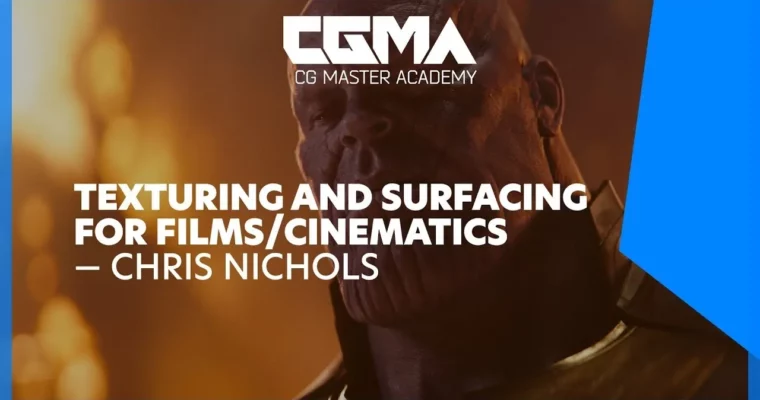
Texturing and Surfacing for Films & Cinematics by Chris Nichols

Duration:6 weeks
Actual Duration:10h 34m
Release date:2024
Publisher:CGMA
Skill level:Intermediate
Language:English
Exercise files:Yes
Software:ZBrush, Mari, Maya, V-Ray, Substance Designer, Photoshop, PureRef
Course URL:https://www.cgmasteracademy.com/courses/6-texturing-and-surfacing-for-films-cinematics
A 6-week intermediate course that walks you through the full texturing and surfacing pipeline for a cinematic creature bust. You’ll go from collecting references and planning your textures in Photoshop, to projecting high-res skin detail with ZBrush and Mari, and finally setting up realistic V-Ray shaders in Maya. The focus is on practical, production-ready techniques for film and cinematics.
🎯 What you’ll learn
- How to collect and analyze references for cinematic texturing
- How to create texture concepts and paintovers in Photoshop
- How to use ZBrush and Mari for high-resolution skin displacement
- How to project realistic scan data using Texturing XYZ maps
- How to create detailed color maps for skin, teeth, eyes, and clothing
- How to build realistic skin, mouth, eye, and clothing shaders in Maya and V-Ray
- How to prepare a final cinematic presentation render
✅ Requirements
- Skills: Fundamental understanding of the texture creation process and basic experience with 3D production workflows, texturing, and rendering.
- Tools: ZBrush, Mari, Maya, V-Ray, Substance Designer, Photoshop, PureRef
- Hardware: Minimum 16GB RAM, dedicated GPU, drawing tablet
📝 Description
This course isn’t about just slapping a texture on a model. It’s about building a complete, production-ready look for a cinematic creature. You’ll start by figuring out why you’re texturing something a certain way, using reference and paintovers to define your visual direction. Then, you get into the gritty work of projecting Texturing XYZ scan data in ZBrush and Mari to create skin displacement that actually looks like real skin, not just noise.
The real meat of the course is in the shader setup. You’ll learn how to build realistic skin shaders in V-Ray that handle subsurface scattering, and how to tackle tricky areas like the mouth, eyes, and teeth. The instructor, Chris Nichols, brings his experience from major VFX studios, so the workflow is focused on what actually works in a production environment. By the end, you’ll have a complete, film-quality bust that shows you understand the entire pipeline, not just one part of it.
🧑🎓 Who this course is for
- Intermediate 3D artists looking to specialize in texturing and look development
- Texture artists who want to move into film and cinematic work
- Character artists who want to improve the realism of their creature and character textures
- Anyone aiming for a role in VFX, cinematics, or high-end character production
🧑🏫 About the Author
Chris Nichols is a lead texture artist and modeler with a solid track record in the film industry. He’s worked at major studios like Digital Domain Vancouver, Bardel Entertainment, and Spin FX. His film credits include X-Men: Days of Future Past, Thor, Alice Through the Looking Glass, and Avengers: Infinity War. He brings that real-world production experience directly into the course, showing you the exact techniques used to create cinematic textures for blockbuster films.
🏁 Final Result
- A fully textured and surfaced creature bust with high-resolution skin displacement, realistic color maps, and complete shaders for skin, mouth, eyes, teeth, and clothing.
- A polished, film-style presentation render demonstrating a professional texturing and surfacing workflow.
📢 Guys, this is a Group Buy campaign, check the GBC forum thread to get access
You can find the course preview in the download section below.
 Channel

it only has overview videos
there’s big letters with a megaphone icon for the announcement right before the links section:
Guys, this is a Group Buy campaign, check the GBC forum thread to get access
https://group-buy.club/threads/texturing-and-surfacing-for-films-cinematics-cgma-chris-nichols-2020.1685/
—
maybe i should make it more noticeable so it pops more. i’ll think about it