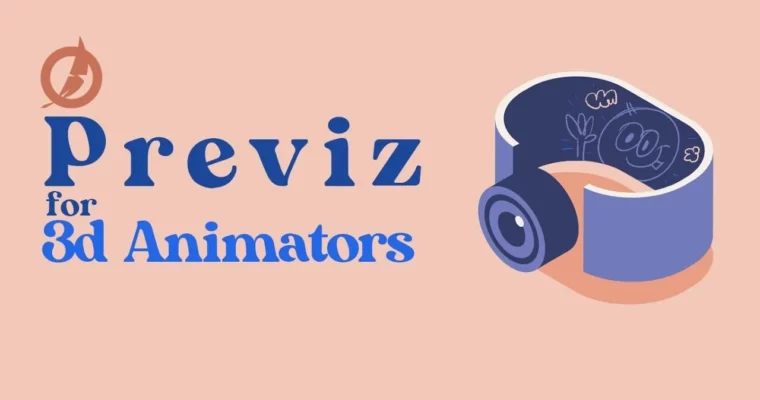
Previz for 3D Animators by Chandra Shekar Rallabandi

Actual Duration:11h 51m
Release date:2023, June
Publisher:Animawarriors
Skill level:Intermediate
Language:English
Exercise files:Yes
Software:Maya, Blender
Course URL:https://www.animawarriors.com/
If you animate, you need to think like an editor and a cameraman, not just a pose mover. This course shows you how to use previs to lock staging, timing, and camera language while changes are still cheap and fast to fix.
🎯 What you’ll learn
- Use previs as a blueprint between storyboards and final production
- Block rough layout, character spacing, and camera placement with slide and glide
- Test story beats and pacing with stepped blocking poses
- Build detailed previs on tens with rough physics, props, and timing cues
- Give editors enough handle room to test the cut and avoid reshoots
✅ Requirements
- Skills: Basic understanding of 3D navigation and keyframe animation
- Tools: Maya or Blender for blocking and staging
- Hardware: Computer capable of running 3D viewport playback, 3-button mouse recommended
📝 Description
Think of previs as cheap insurance. You build it rough on purpose so you can break story problems early. No polished materials, no perfect motion — just layout, character intent, and framing that reads clearly.
You start with slide and glide. Static figures, moved through a gray environment to find spacing and camera angles. It looks ugly, but it answers the big question fast: does this setup even work?
Then you push it into rough blocking and stepped animation. Key poses only, no in-betweens. This is where you check flow, actions, and scene beats. If the pacing feels off here, you change it in minutes instead of re-animating shots later.
Finally, you take it to previs on tens with rough timing, props, and simple physics. Just enough for an editor to cut with. That handle room is the whole point — you hand off something testable, not something pretty, and you save the production from expensive surprises.
🧑🎓 Who this course is for
- 3D animators who want to plan shots and sequences like a previs artist
- Students and juniors moving from storyboards to full 3D production
🧑🏫 About the Author
Chandra Shekar Rallabandi is a 3D animator and instructor associated with Animawarriors, focused on practical production workflows for animation. His teaching centers on previs, blocking, and shot planning — the unglamorous steps that keep sequences clear, on time, and on budget.
🏁 Final Result
- A portfolio-ready previs sequence showing layout, blocked performance, and camera cuts built from rough gray assets to edit-ready timing
 Channel