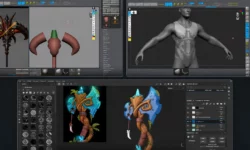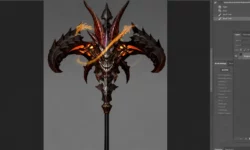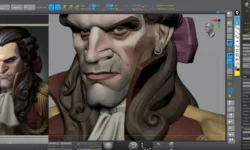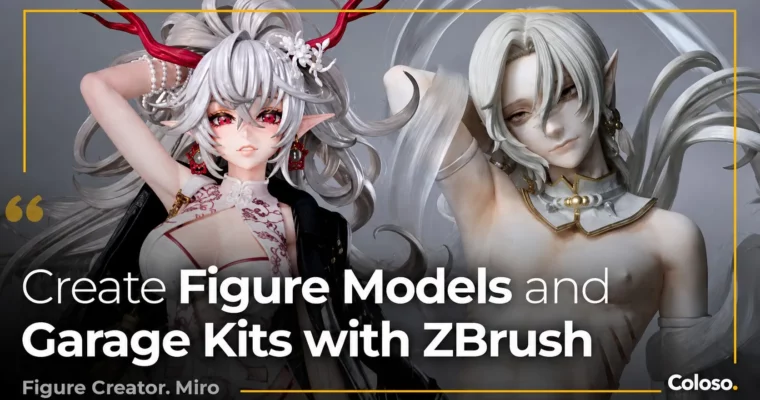
Modeling Techniques to Bring Out a Character’s Charm in 3D by Miro

Actual Duration:43h 39m
Release date:2025, May
Publisher:Coloso
Skill level:Intermediate
Language:English
Exercise files:Yes
Software:ZBrush
Course URL:https://coloso.global/en/products/figuremodeler-miro-us
Learn to bridge the gap between 2D concept art and 3D reality. This course, led by professional figure modeler Miro, teaches you how to build charming, marketable figure models and garage kits using ZBrush. You’ll move from basic software navigation to advanced stylization, focusing on what makes a character pop in three dimensions.
🎯 What you’ll learn
- Transform 2D illustrations into appealing 3D models.
- Master professional ZBrush workflows for figure modeling.
- Create attractive female body proportions and dynamic poses.
- Understand the complete garage kit production pipeline.
- Apply stylization techniques to emphasize a character’s unique charm.
✅ Requirements
- Skills: Basic understanding of 3D space and familiarity with ZBrush UI.
- Tools: A drawing tablet is highly recommended.
- Hardware: A computer capable of running ZBrush smoothly.
📝 Description
This isn’t just a ZBrush tutorial; it’s a masterclass in figure modeling from a pro who’s been invited to Wonder Festival. Miro breaks down her entire pipeline, starting with the fundamentals of the software and moving straight into practical application.
You’ll work on two complete models, learning how to stylize a character to boost its appeal. The focus is on practical, hands-on skills: creating attractive female bodies, setting up poses that don’t look stiff, and understanding the crucial difference between a flat illustration and a 3D form. Miro shares her specific techniques for adjusting proportions, creating beautiful hair flow, and adding clothing folds that feel natural.
The course goes beyond digital sculpting. A dedicated bonus section covers the entire garage kit process—from exporting and refining your model to 3D printing, duplication, and even creating eye decals. You’ll learn the practical considerations for making a model that can be physically produced, including proper thickness for splitting and creating silicone molds. This is the real-world knowledge you need to turn a digital hobby into a marketable skill.
🧑🎓 Who this course is for
- Aspiring figure modelers and garage kit creators.
- 3D artists who want to specialize in stylized character modeling.
- Digital sculptors looking to improve their ZBrush workflow and efficiency.
🧑🏫 About the Author
Miro is a professional figure modeler with a background in sculpture. After teaching herself digital modeling, she built a successful freelance career creating commercial models. Her work has been featured in publications like Sculptors 06 and Sculptors Labo 01, and she has lectured at industry events such as CGWORLD SCULPTORS DAY 2024. Her expertise lies in creating charming, high-quality figures that appeal to both fans and commercial clients.
🏁 Final Result
- Two complete, portfolio-ready 3D character models.
- A practical understanding of the garage kit production pipeline, from digital file to physical product.
 Channel