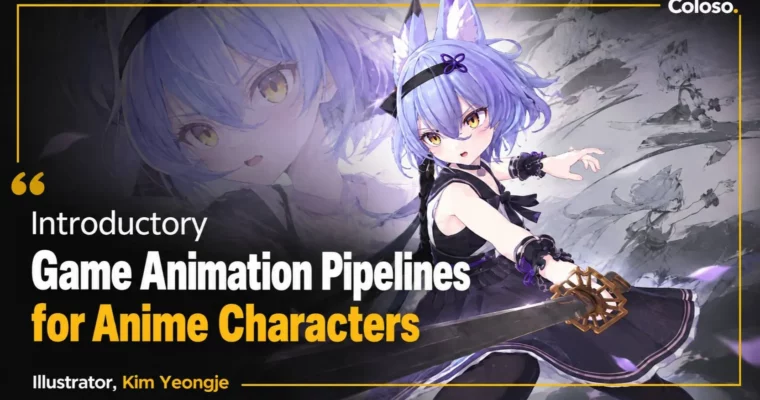
Introductory Game Animation Pipelines for Anime Characters by Kim Yeongje

Actual Duration:66h 47m
Release date:2022, May
Publisher:Coloso
Skill level:Beginner
Language:English
Exercise files:Yes
Software:3ds Max, Unity
Course URL:https://href.li/?https://coloso.co.kr/products/3dgameanimator_kimyeongje
If those bouncy anime-style characters from Korean mobile games look fun but intimidating to animate, this is your starting line. Kim Yeongje takes you from basic timing and posing all the way to 13 finished moves in 3ds Max and Unity, so you end up with a game-ready portfolio instead of just theory.
🎯 What you’ll learn
- Use the 12 principles of animation for snappy, cartoony game motion
- Rig and skin anime characters in 3ds Max for real-time use
- Animate 13 core clips: walk, run, side-step, idles, attacks, skills, death
- Create exaggerated poses and comic facial expressions that sell anime style
- Export from 3ds Max and set up animations for playback in Unity
✅ Requirements
- Skills: Basic understanding of 3D space, no prior animation experience needed
- Tools: 3ds Max, Unity (free version works fine)
- Hardware: Windows PC with dedicated GPU, 16GB RAM recommended, 3-button mouse
📝 Description
Subculture characters live or die on feel. It’s not realistic motion. It’s squash, hold poses, big anticipations, and faces that do half the acting. This course breaks down how to get that bouncy, fun-to-watch look without overcomplicating it. You’ll work with pretty-girl characters, exaggerated timing, and comic expressions that read clearly even on a small phone screen.
You won’t just watch theory. Kim teaches the way it’s done on a real team. Block out in 3ds Max, clean up curves, fix skinning issues, then throw it straight into Unity to check timing in context. You get 13 clips total — walks, runs, side-steps, idles, attacks, skills, deaths — so you practice the full set studios actually ask for.
The order is simple on purpose. Basics first, then movement, then combat, then engine setup. By the end you know how an animation pipeline fits together, from rig to in-game playback, and you have clean clips to cut into a portfolio reel. No fluff, just reps that build muscle memory.
🧑🎓 Who this course is for
- Beginners who want to start as 3D game animators with anime-style characters
- 3D artists and students who can model but struggle to make characters move well in games
🧑🏫 About the Author
Kim Yeongje (also credited as Kim Young-je) is a 3D game animator working in Korea’s subculture game scene. He specializes in anime-style characters — the bouncy, expressive pretty-girl casts you see in mobile and casual games. He teaches the exact 3ds Max to Unity workflow he uses at work, focused on getting beginners to finished, usable motion fast.
🏁 Final Result
- A set of 13 polished anime character animations — idles, moves, attacks, skills, and death — tested in Unity and ready to cut into a portfolio reel.
📢 Guys, this is a Group Buy campaign, check the GBC forum thread to get access
You can find the course preview in the download section below.
 Channel