It looks like you're using an adblocker.
Adblockers make us sad. We use ads to keep our content happy and free. If you like what we are doing please consider supporting us by whitelisting our website. You can report badly-behaved ads by clicking/tapping the nearby 'Advertisement' X text.
Design your first working font from scratch using Glyphs, from drawing letters to exporting.
If you have always wanted to make your own font but got lost in the software, this one is for you. Wete breaks down Glyphs into plain steps and shows you how to go from blank file to usable typeface.
🎯 What you’ll learn
Navigate the Glyphs interface and set up a new font file correctly
Draw clean letters with paths, nodes, and components
Control proportions, weight, and contrast across glyphs
Apply spacing and kerning for readable text
Test, fix issues, and export your font as OpenType
✅ Requirements
Skills: Basic computer skills and understanding of vector shapes, no prior type design needed
Tools: Glyphs 3 app installed, mouse or trackpad
Hardware: macOS computer capable of running Glyphs
📝 Description
Wete keeps it simple and hands-on. You start with a blank file and learn how the Glyphs app actually thinks — font info, masters, sidebearings, all that stuff explained without jargon. No theory dump, just what you need to click to get moving.
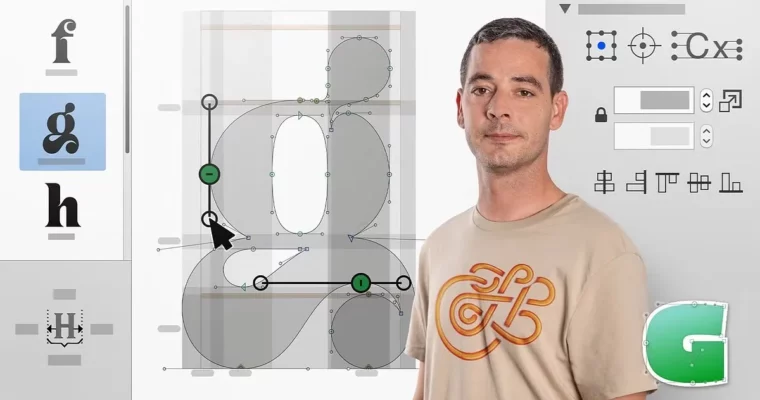
Then you draw. A lot. You will work with Bézier paths, clean up nodes and handles, and reuse shapes with components so your a, e, g actually look like they belong together. You will also learn how to spot bad curves and fix wobbly outlines before they become a problem.
Finally, you make it work as a real font. That means proper spacing and kerning, quick proof tests in apps, and a clean OpenType export you can install and use. By the end you understand the full loop: draw, space, test, fix, ship.
🧑🎓 Who this course is for
Graphic designers and lettering folks who want to turn sketches into usable fonts
Beginners curious about type design who need a clear intro to the Glyphs workflow
🧑🏫 About the Author
Wete is a graphic designer and typography artist focused on custom letterforms and font creation. He works across branding, editorial, and type projects, building letters from sketch to final digital file. In this course he shares his everyday type design workflow in Glyphs, with practical tricks he uses on real client work.
🏁 Final Result
A complete, installable display font designed by you — with lowercase, capitals, numbers, and basic punctuation, ready to show in your portfolio.




 Channel