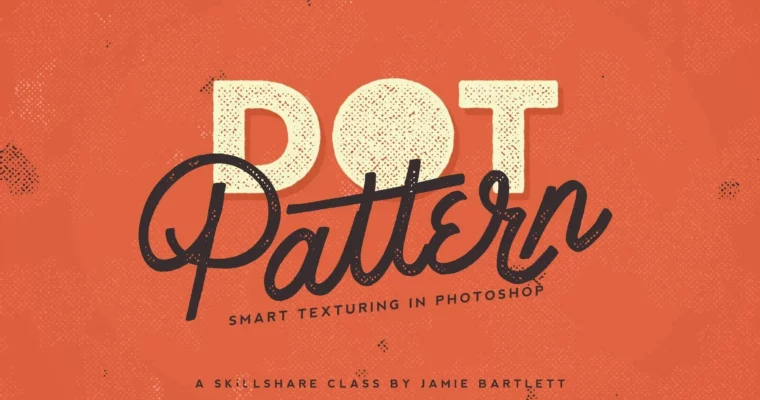
Dot Pattern – Smart Texturing In Photoshop by Jamie Bartlett

Duration:21m
Actual Duration:21m
Release date:2025
Publisher:Skillshare
Skill level:Intermediate
Language:English
Exercise files:Yes
Software:Adobe Photoshop
Course URL:https://www.skillshare.com/en/classes/dot-pattern-smart-texturing-in-photoshop
A short, practical class on building a reusable dot pattern texture entirely inside Photoshop. No scanning, no external images—just smart filters and layer styles. You’ll walk away with a technique you can drop into any future project.
🎯 What you’ll learn
- Build a non-destructive dot pattern texture using smart filters
- Add color and depth with layer styles
- Create a 3D shadow effect for your designs
- Apply background textures and vignettes for a finished look
✅ Requirements
- Skills: Intermediate knowledge of Photoshop’s layer panel and basic tools.
- Tools: A computer with Adobe Photoshop installed.
📝 Description
This class is all about efficiency. Jamie shows you how to build a grungy dot pattern texture using smart filters—meaning you can tweak, resize, or completely change the effect later without starting over. The whole process stays inside Photoshop, so you don’t need to hunt down stock textures or scan anything.
You’ll start by setting up layer styles to create the base pattern, then layer in color and build up the texture. Jamie also covers adding a 3D shadow for depth, plus background textures and a vignette to frame the final piece. The result is a versatile, print-ready effect you can reuse on any design.
🧑🎓 Who this course is for
- Graphic designers and illustrators who want to add texture to their work without leaving Photoshop.
- Anyone looking for a quick, repeatable technique for creating grungy or vintage effects.
🧑🏫 About the Author
Jamie Bartlett is a graphic designer and left-handed letterer based in Denver, CO. She holds a degree in Graphic Design from John Brown University and runs a shop for her hand-lettered designs and fonts. Her work blends a love for typography, coffee, and road trips into a clean, approachable style.
🏁 Final Result
- A fully textured design with a customizable dot pattern, ready for print or portfolio use.
 Channel