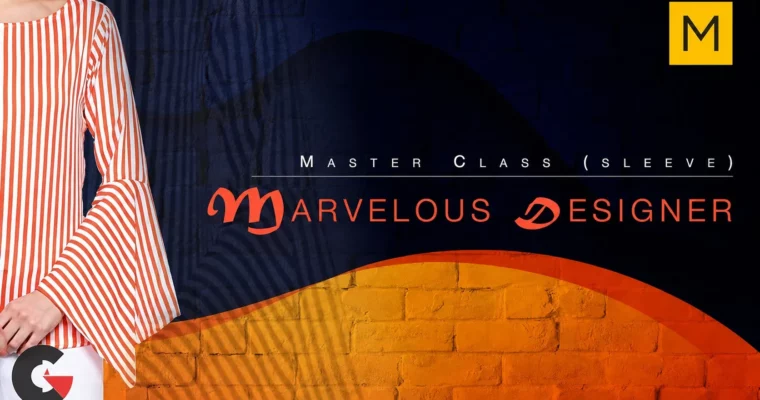
Masterclass in Marvelous Designer (Sleeves) by REQUIRES UPDATE

Actual Duration:3h 27m
Release date:2021
Publisher:Skillshare
Skill level:Intermediate
Language:English
Exercise files:Yes
Software:Marvelous Designer
Course URL:https://www.skillshare.com/en/
This course is all about getting hands-on with Marvelous Designer to build three distinct sleeve types: kimono, mutton leg, and bishop. You’ll move past basic patterns and tackle real-world garment simulation issues, making your 3D models ready for animation, films, and games. It’s a practical, no-fluff approach to leveling up your cloth-making skills.
🎯 What you’ll learn
- Create kimono, mutton leg, and bishop sleeves from scratch
- Use Marvelous Designer’s core tools for cloth construction
- Troubleshoot and fix common garment simulation problems
- Build dynamic 3D clothing for professional pipelines
✅ Requirements
- Skills: Intermediate knowledge of Marvelous Designer and 3D modeling basics
- Tools: Marvelous Designer software
- Hardware: Dedicated GPU, 3-button mouse
📝 Description
This masterclass skips the fluff and gets straight to the point: making sleeves that work. You’ll start by understanding the pattern logic behind three classic styles—kimono, mutton leg, and bishop—then build them step-by-step in Marvelous Designer. The real value comes from the troubleshooting section, where you’ll learn to fix common simulation headaches like fabric clipping or unrealistic draping. It’s not just about following steps; it’s about understanding why things break and how to fix them. By the end, you’ll have a solid workflow for creating any sleeve type and the confidence to tackle your own garment designs.
🧑🎓 Who this course is for
- Fashion designers looking to translate physical patterns into 3D
- 3D modelers and artists working in animation, film, or games
- Marvelous Designer users wanting to specialize in garment construction
🧑🏫 About the Author
The instructor is a seasoned 3D artist with a focus on digital fashion and cloth simulation. They bring practical industry experience to the table, having worked on projects that require realistic garment behavior. Their teaching style is direct and problem-solving oriented, aimed at helping you overcome real-world challenges in Marvelous Designer.
🏁 Final Result
- A portfolio-ready 3D model featuring three distinct sleeve types (kimono, mutton leg, bishop) with clean simulation and realistic fabric behavior.
 Channel