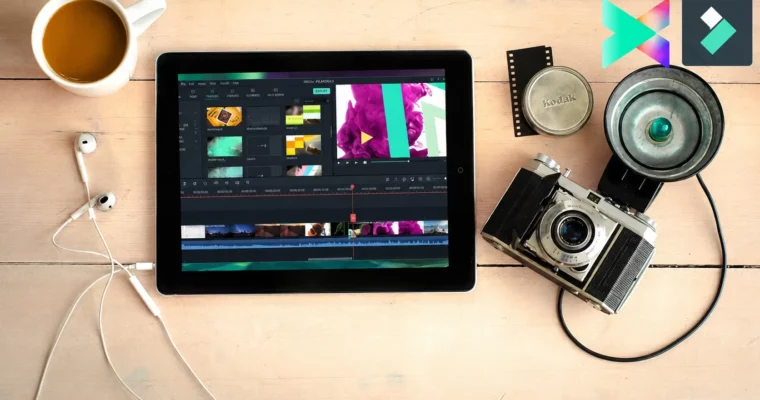
Filmora 11-X-9 – Zero to Hero in Video Editing by Chetan Pujari

Duration:3.5 hours
Actual Duration:3h 18m
Release date:2024, November
Publisher:Udemy
Skill level:Beginner
Language:English
Exercise files:Yes
Software:Wondershare Filmora, Filmora 9, Filmora X, Filmora 11
Course URL:https://www.udemy.com/course/filmora9-complete-video-editing-tutorial-for-beginners-2020
This course is a straight shot from zero to a working video editor using Wondershare Filmora. No fluff, no film school theory. You’ll learn the actual workflow—importing, cutting, adding effects, and exporting—so you can start making content for YouTube, social media, or freelance gigs right away.
🎯 What you’ll learn
- Edit a complete video from start to finish using Filmora 9, X, or 11
- Apply advanced techniques like Chroma Key, Motion Tracking, and Keyframing
- Use Audio Ducking, Beat Detection, and the Audio Equalizer for clean sound
- Create VFX shots including green screen, rain removal, and the parallax effect
- Export projects in 4K and directly to YouTube and Vimeo
✅ Requirements
- Skills: No prior video editing experience needed
- Tools: Wondershare Filmora 9, X, or 11 (free version is fine)
- Hardware: A Windows or Mac computer
📝 Description
This isn’t a course that wastes time on abstract theory. It’s built for people who want to open Filmora and start cutting immediately. You’ll begin by learning the interface and the basic import-edit-export loop, then quickly move into the tools that actually matter for content creators.
The curriculum covers a surprising amount of ground for a beginner course. You’ll get hands-on with Chroma Key for green screen work, Motion Tracking to attach graphics to moving objects, and Keyframing for custom animations. There’s a whole section dedicated to VFX tricks like the parallax effect, flicker effect, and even a Harry Potter-style invisibility cloak gag. Audio isn’t an afterthought either—you’ll learn Audio Ducking, Beat Detection, and how to remove background noise.
What makes this course stand out is its focus on practical, project-based learning. You’re not just watching; you’re following along to build a real video project. By the end, you’ll have a solid grasp of the entire Filmora workflow, from organizing your media library to exporting a polished final cut in 4K.
🧑🎓 Who this course is for
- Complete beginners who have never opened a video editor before
- YouTubers, vloggers, and TikTok creators looking for a fast, efficient workflow
- Freelancers and filmmakers on a budget who need a capable editing tool
- Anyone upgrading from basic editors like iMovie or Windows Movie Maker
🧑🏫 About the Author
Chetan Pujari is a self-taught creator and educator who has taught over 390,000 students worldwide. His teaching philosophy is simple: learn it deeply, simplify it radically, and teach it effectively. He started his journey editing videos in Filmora and has since expanded into AI, prompt engineering, and UI/UX design. His courses are known for being practical, jargon-free, and focused on real-world application.
🏁 Final Result
- A complete, edited video project showcasing your new skills in cutting, effects, color correction, and audio mixing
- A portfolio-ready demonstration of VFX techniques like green screen compositing and motion tracking
 Channel