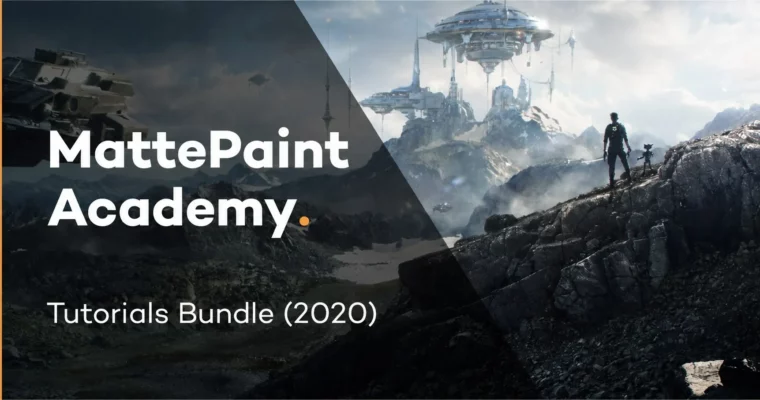
Tutorials Bundle (2020) by MattePaint

Actual Duration:5h 56m
Release date:2020
Publisher:MattePaint Academy
Skill level:Intermediate
Language:English
Exercise files:Yes
Software:Photoshop, Blender, Maya, Nuke
Course URL:https://mattepaint.com/academy/
A massive library of professional matte painting training from MattePaint Academy, covering the full pipeline from Photoshop fundamentals to Nuke compositing and 3D integration. This bundle is built for artists who want to level up their VFX and film production skills.
🎯 What you’ll learn
- Photorealistic photobashing and plate cleanup in Photoshop
- 3D modeling, UV mapping, and texturing for set extensions
- Advanced camera projection and compositing in Nuke
- Color grading and texture extraction techniques
✅ Requirements
- Skills: Basic understanding of Photoshop and 3D space
- Tools: 3-button mouse, drawing tablet recommended
- Hardware: Minimum 16GB RAM, dedicated GPU
📝 Description
This isn’t just a collection of random tutorials. The MattePaint Academy Tutorials Bundle (2020) is a structured deep dive into the entire digital matte painting pipeline, exactly as it’s done in professional VFX studios.
You’ll start with the core Photoshop skills: masking, texture extraction, and photobashing. Then you move into 3D with Blender and Maya, learning how to build geometry for set extensions and light it properly. Finally, you bring it all together in Nuke with advanced camera projections and compositing techniques.
The bundle covers everything from basic plate cleanup to complex 2.5D projections. Each module builds on the last, so you’re not just watching random techniques—you’re learning a complete production workflow. The focus is always on practical, real-world application for film and VFX.
🧑🎓 Who this course is for
- Digital matte painters looking to expand their toolkit
- VFX artists wanting to learn the full DMP pipeline
- Intermediate artists ready to move from 2D to 3D workflows
🧑🏫 About the Author
MattePaint is a leading educational platform and community for digital matte painting and VFX. Founded by industry professionals, the academy has trained thousands of artists through structured courses and production-focused tutorials. Their instructors have worked on major film and game projects, bringing real studio experience to every lesson.
🏁 Final Result
- A portfolio-ready matte painting composite demonstrating photobashing, 3D integration, and Nuke projection skills.
 Channel