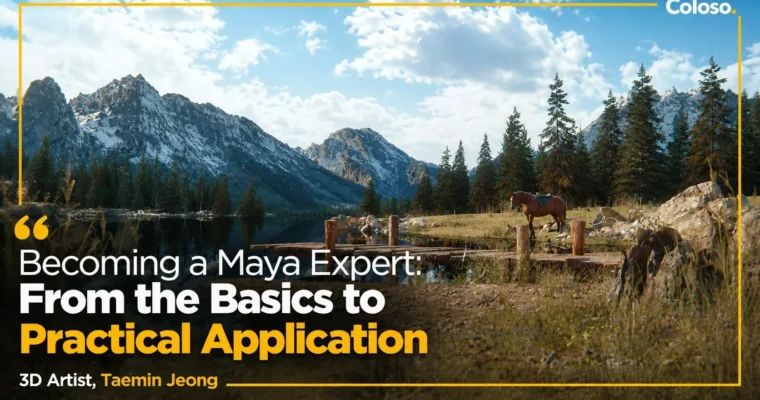
Becoming a Maya Expert – From the Basics to Practical Application by Taemin Jeong

Duration:13 Hours 17 Minutes
Actual Duration:26h 35m
Release date:2024, November
Publisher:Coloso
Skill level:Beginner
Language:English
Exercise files:Yes
Software:Maya, Nuke
Course URL:https://coloso.global/en/products/3ddesign_jeongtaemin-us
If Maya has always felt huge and messy, this class fixes that. Taemin Jeong walks you through the full generalist flow — modeling, animation, shading, lighting, rendering, then Nuke compositing — using real ad examples instead of dry theory.
🎯 What you’ll learn
- Navigate the Maya interface, viewports, and workspaces without getting lost
- Model clean assets with Extrude, Bevel, Bridge and set up UVs properly
- Animate cameras with Ease In & Out and Motion Trail for smooth moves
- Build PBR materials with Displacement, Bump, Normal, and UDIMs
- Light products realistically with Dome, Rect, Area lights and Gobos
- Control render passes, depth, and Render Setup for compositing
- Shoot and use HDRI, color charts, and chrome balls for on-set matching
- Composite in Nuke with passes, Gain/Gamma, Flare, Glow, and Bloom
- Grade cinematic looks with Lookup Tables (LUTs)
- Finish beauty ads, watch ads, sci-fi shots, and game cinematics
✅ Requirements
- Skills: Basic understanding of 3D space and image editing, no prior Maya experience needed
- Tools: Maya, Nuke, 3-button mouse
- Hardware: Minimum 16GB RAM, dedicated GPU recommended for rendering and HDRI workflow
📝 Description
Look, most Maya tutorials either stay too basic or jump straight to fancy renders with no explanation. This one is different. Taemin starts with the UI and core tools, then builds up layer by layer — modeling, UV editing, camera animation, PBR shading, lighting — always tied to what you actually need on a job.
The second half is where it gets practical. You learn how live-action plates and CG actually meet: HDRI creation, color charts, chrome balls, filmback, parallax, depth of field, anamorphic feel and bokeh. Stuff that makes your 3D sit in the plate instead of floating on top of it.
Then you take it into Nuke. Not just button-pushing, but real studio habits — working from render passes, fixing flicker and shake, adding lens effects like flare, glow, bloom and promist, and dialing the final mood with lookup tables. The four finish projects — beauty ad, watch ad, sci-fi shot, and cinematic background — are straight from commercial work, so you see how lighting and post save a shot.
You also get the project files for Maya and Nuke, so you can pull them apart and reuse the setups. Good if you want to stop guessing and start working like a generalist.
🧑🎓 Who this course is for
- Beginners who opened Maya, panicked at all the menus, and want a clear start-to-finish path
- Junior 3D artists and motion designers who want to handle lighting, rendering, and Nuke compositing for ads and cinematics
🧑🏫 About the Author
Taemin Jeong is a 3D generalist and CEO of his own graphics and ad production company. He joined Giant Step in 2013 and became a team leader at a young age, leading ads and cinematic work for Samsung, Hyundai Motors, and Netmarble. He now works with clients like LG, Hyundai Engineering & Construction, and Louis Vuitton, focused on commercial-quality lighting and compositing.
🏁 Final Result
- Four portfolio-ready commercial shots finished in Maya + Nuke: a beauty ad with dust and depth, a realistically lit watch ad, a sci-fi shot with glow and motion blur, and a game cinematic background composited from multiple assets.
📢 Guys, this is a Group Buy campaign, check the GBC forum thread to get access
You can find the course preview in the download section below.
 Channel