Roblox Studio Game Development & Scripting by Andriana Dzierżyńska

Duration:11.5 hours on-demand video
Actual Duration:7h 33m
Release date:2026, February
Publisher:Udemy
Skill level:Beginner
Language:English
Exercise files:Yes
Software:Roblox Studio
Course URL:https://www.udemy.com/course/roblox-game-development
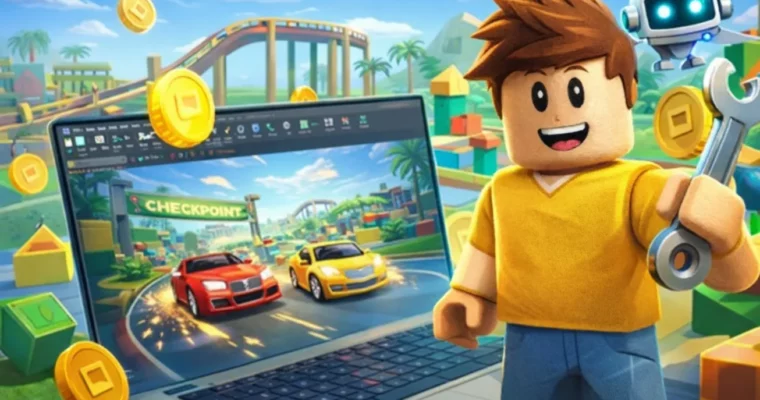
Ready to stop just playing Roblox games and start making your own? This course is your ticket to diving headfirst into Roblox Studio, teaching you not just how to build cool worlds, but also how to bring them to life with scripting. Forget random tutorials; we’re talking about building real games, step-by-step, with a focus on practical application.
🎯 What you’ll learn
- Build complete game environments and levels using Roblox Studio tools.
- Write and understand basic scripts to control gameplay mechanics.
- Apply core programming concepts like conditions, loops, and functions in Roblox.
- Create interactive systems such as NPCs, checkpoints, and timers.
- Design and implement in-game economies with coins, shops, and currency.
- Set up monetization features like game passes and developer products.
- Structure and organize Roblox projects for efficient development.
- Prepare, publish, and promote Roblox games using best practices.
✅ Requirements
- Skills: No prior programming or game development experience needed. Basic computer skills (mouse, keyboard, file navigation) are sufficient.
- Tools: A Roblox account.
- Hardware: A computer (Windows or Mac) with internet access.
📝 Description
This course teaches Roblox Studio game development in a clear, structured, and practical way. You’ll learn how Roblox games are built, how gameplay mechanics work, and how scripting is used to control game behavior. The focus is on learning by doing, with guided projects that show how everything fits together in Roblox Studio, rather than just isolated tutorials.
You’ll get over 11 hours of content with clear lessons and practice tasks designed to help you build real understanding. We start with the basics of the editor, parts, and models, then move into scripting concepts that control gameplay and player interaction. As you progress, you’ll combine building and scripting to create complete and structured game systems.
What You Will Build
You’ll work on various game projects, including obstacle courses with checkpoints, progression-based games, interactive NPCs with dialogue, track-based movement, and games with coins, shops, and rewards. Each project reinforces learned skills while introducing new mechanics.
What You Will Learn
You’ll learn to use Roblox Studio tools for structured environments, write and understand scripts using conditions, loops, and functions, create interactive elements like timers and checkpoints, build NPC behavior, add monetization features like game passes, and prepare/publish your games. Practice tasks will strengthen your problem-solving and logical thinking.
The course follows a clear learning path from fundamentals to complete game systems, making it beginner-friendly.
🧑🎓 Who this course is for
- Beginners looking to learn Roblox Studio game development from scratch.
- Learners interested in understanding scripting logic through practical game-building projects.
- Existing Roblox players who want to transition into creating their own games.
- Parents or educators guiding younger learners through a structured introduction to Roblox development.
- Anyone seeking a beginner-friendly introduction to game mechanics, scripting, and monetization in Roblox.
🧑🏫 About the Author
Andriana Dzierżyńska teaches Roblox Studio game development in a clear, structured, and easy-to-understand way. Her courses focus on helping learners grasp how Roblox games are built, how scripting controls gameplay, and how different systems work together. Lessons are organized step-by-step with practical examples and guided projects. Andriana enjoys the Roblox platform for its blend of creativity and logical thinking, aiming to empower learners to confidently create their own games with a solid foundation.
🏁 Final Result
- A portfolio of completed Roblox game projects, demonstrating skills in environment building, scripting, NPC interaction, and monetization.
- The confidence and knowledge to design, build, and publish your own Roblox games.
 Channel