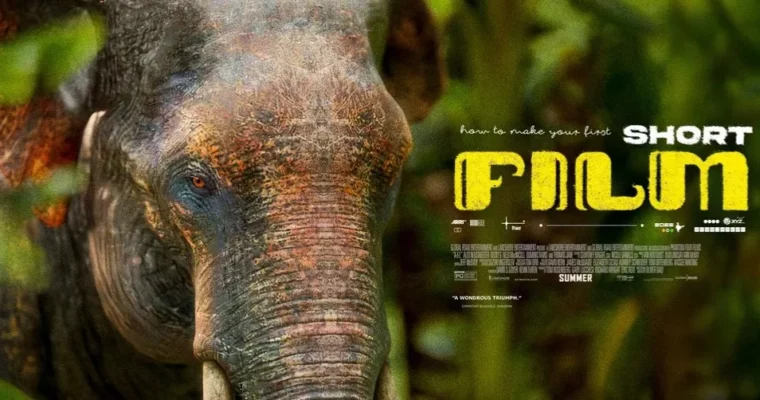
How to Make Your First Short Film in Blender by stache

Duration:20hrs and 44mins
Actual Duration:20h 51m
Release date:2025
Publisher:Gumroad
Skill level:Intermediate
Language:English
Exercise files:Yes
Software:Blender, DaVinci Resolve
Course URL:https://stacheobj.gumroad.com/l/first-short-film-blender
You have Blender basics and a head full of story ideas, but you never actually finish a film. This course fixes that by building a complete short film with you, live — all 25 shots, all the bad drafts, all the fixes — until you have something released and you are proud of it.
🎯 What you’ll learn
- How to run a solo short film pipeline in Blender from idea to release
- Pre-production that actually helps: story, references, and storyboards
- How to block, light, and animate 25 shots without getting stuck
- How to use AI 3D models and texture generators as production tools, not cheats
- How to iterate with Draft 2 and Draft 3 instead of quitting halfway
- Color grading workflow with a free custom grading tool
- Basic sound design and post-processing to make it feel like a film
- Titlecard design and releasing your film like it matters
- The director mindset: discipline, feedback, and finishing
✅ Requirements
- Skills: Basic Blender navigation, you have made a few renders and can follow along without beginner hand-holding
- Tools: Blender installed, DaVinci Resolve (free version is fine) for grading, free custom color grading tool included with course
- Hardware: Any laptop or PC that runs Blender, headphones for sound work, no fancy render farm needed
📝 Description
This is not a tips-and-tricks course. No secret button that makes you good overnight. Stache makes a whole film in front of you, and it is messy. Shots look bad at first. Story changes. He gets tired, takes a break, comes back for Draft 2. That is the point. You watch how a real Blender production actually moves forward — through bad versions and small fixes.
About 70% is practice, not preaching. You get pre-production with story, references, and full storyboards, then production with 25 shots built one by one, then Draft 2 after a break. Then post-production with color, sound, and polish, then Draft 3 with outside feedback. You also get a bonus on titlecard design and a final release. No source files handed to you, on purpose — you learn to solve it yourself like a director would.
The toolset is practical for a bedroom studio. You will use Blender for everything 3D, AI generators for models and textures to speed up blocking, and DaVinci Resolve plus his free grading tool for the final look. Sound gets the same treatment — simple, effective choices that sell the story even if your renders are not Pixar-level. Because they do not need to be.
🧑🎓 Who this course is for
- Blender users with basics down who have never finished a short film
- Story-first people who want to learn directing, not just modeling and lighting
- Chronic starters who need structure and discipline to ship Draft 2 and Draft 3
- Solo creators who want to run a bedroom production house with cheap tools and AI help
- Anyone okay with no source files, rough edges, and learning by doing the hard way
- Folks who want an honest, funny, unscripted look at indie 3D filmmaking
🧑🏫 About the Author
stache is an independent Blender filmmaker and Gumroad creator known for his no-BS, super enthusiastic teaching style. He builds short films solo from his bedroom, shares the wins and the fails, and has sold thousands of copies while keeping a 4.9 creator rating. His thing is storytelling and finishing — helping lazy, stuck, or scared artists actually ship work with Blender and smart AI-assisted workflows.
🏁 Final Result
- A finished, graded, sound-designed Blender short film (around 25 shots) with titlecard, ready to release and put in your portfolio
 Channel