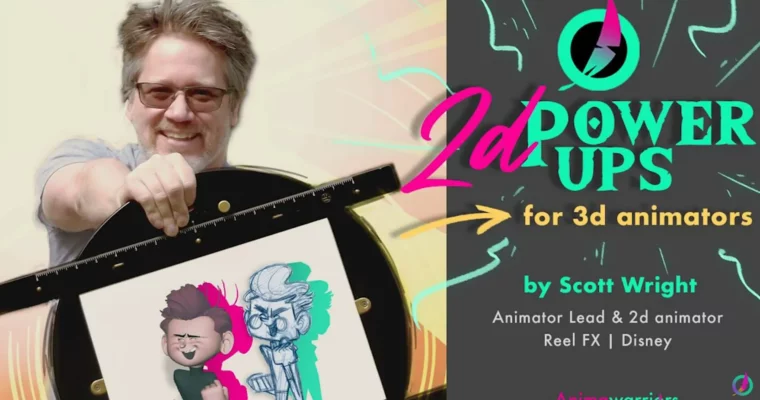
2D Power Ups for 3D Animators by Scott Wright

Release date:2020, July
Publisher:Animawarriors
Skill level:Intermediate
Language:English
Exercise files:Yes
Software:Maya, Blender, Photoshop
Course URL:https://www.animawarriors.com/
If your 3D shots feel soft, floaty, or just kind of meh in the viewport, this course is the fix. Scott Wright shows you how to steal from 2D to get better posing, clearer spacing, and stronger ideas before you get lost in curves.
🎯 What you’ll learn
- Use 2D drawing to plan and plus 3D shots
- Read and control spacing for weight and snap
- Build strong silhouette strength that reads in one frame
- Apply classic design principles to 3D posing and staging
- Thumbnail and sketch concepts fast without needing to be a great draftsman
✅ Requirements
- Skills: Basic understanding of 3D animation principles, familiarity with blocking / spline workflow
- Tools: Any 3D animation package, sketchbook and pencil or basic 2D app for thumbnails
- Hardware: Standard workstation capable of 3D playback, drawing tablet recommended
📝 Description
Most 3D animators live in the graph editor too long. You tweak curves, but the pose still doesn’t read. Scott flips that. You start on paper, solve the idea in 5 little thumbnails, then go back to 3D with a clear target. It’s faster and your choices get bolder.
You’ll work on spacing, silhouette strength, and staging — the stuff 2D guys had to get right because they couldn’t hide behind a camera move. Scott breaks it down in plain terms: where to put your breakdown, how to check if a pose reads as a black blob, how to push a gesture without breaking the rig.
No fluff, no theory dump. It’s draw-overs, side-by-sides, and practical fixes you can use on your next shot. You don’t need to be good at drawing. You just need to use drawing as a tool to think clearer, spot weak poses early, and add that extra 10% that makes a shot feel hand-made instead of computer-tweened.
🧑🎓 Who this course is for
- 3D animators who feel stuck in polish and want stronger blocking
- Students and juniors building a reel and fighting floaty movement
- Working animators from games and film who never trained in 2D
🧑🏫 About the Author
Scott Wright has spent 25+ years working in both 2D and 3D animation. He animated at DreamWorks Animation on The Prince of Egypt, Spirit: Stallion of the Cimarron, Madagascar, Flushed Away, Bee Movie, and How to Train Your Dragon. That mix of hand-drawn roots plus big-studio 3D is exactly why he teaches this — he knows how to bring pencil thinking into a digital pipeline.
🏁 Final Result
- A polished 3D shot planned with 2D thumbnails, with stronger silhouettes, cleaner spacing, and a clear before/after showing the plus.
 Channel