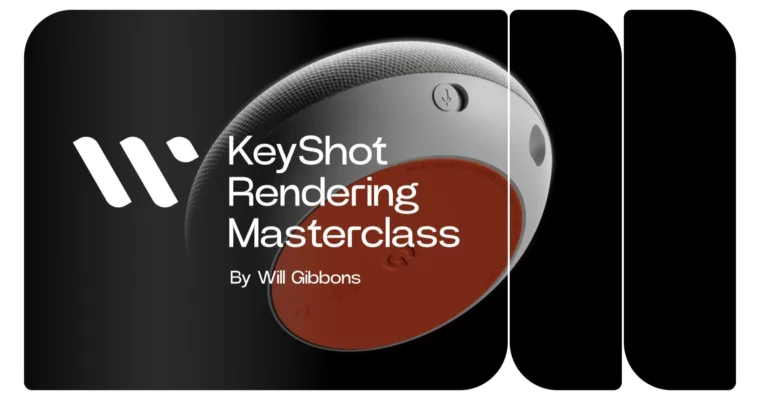
KeyShot – Rendering Masterclass(2023 update) by Will Gibbons

Duration:~15 hours
Actual Duration:8h 39m
Release date:2023
Publisher:Will Gibbons
Skill level:Beginner
Language:English
Exercise files:Yes
Software:KeyShot, Adobe Photoshop, Adobe Illustrator
Course URL:https://www.willgibbons.com/courses/keyshot-rendering-masterclass
130 lessons, around 15 hours, and you walk away with four finished renders. This is the full KeyShot workflow with no gaps — from CAD prep and materials to lighting, studios, and post. You learn on one insanely detailed Google Home Mini model and use it to prove you can light and finish anything.
🎯 What you’ll learn
- Import and clean up CAD models for rendering in KeyShot
- Apply, edit, link, and save realistic PBR materials
- Build custom materials from scratch with the Material Graph
- Map textures, UVs, and normal maps without stretching or seams
- Create and place labels from Illustrator and Photoshop
- Light scenes with HDRI environments and physical lights
- Set up cameras, lens settings, and depth of field
- Organize variations with Studios, Model Sets, and Multi-Materials
- Dial in render settings, render layers, and the render queue
- Finish images in Photoshop with passes, Camera RAW, and cleanup
✅ Requirements
- Skills: No prior KeyShot experience needed, basic computer skills are enough
- Tools: KeyShot license, Adobe Photoshop for post-production, Adobe Illustrator for label creation
- Hardware: Computer capable of running KeyShot, 3-button mouse recommended
📝 Description
Look, most people can hit render in KeyShot. Getting a result that looks like a real product photo for a client deck? Different story. This course closes that gap by teaching you how choices connect — why this HDRI and not that one, why this roughness value, why this camera angle.
Will teaches it the way pros actually work. First you get feature-based lessons that cover every major tool without fluff. Then you immediately use it on the project. No isolated tricks you forget next week. You build Material Graph networks, fix bad mapping, light with environments plus physical lights, and organize it all with Studios so you can swap looks in one click.
The model choice is smart. Instead of a boring primitive, you get a full Google Home Mini he modeled from scratch in Autodesk Fusion — down to PCB and wiring — and you keep the files for personal or commercial use. You render that one model four different ways: situational, two studio looks, and lifestyle. That teaches you the real skill: lighting, materials, and post-production are what create variety, not a new model every time.
And yeah, AI talk comes up for a reason. AI can spit out a pretty picture, but it falls apart when a client says move the logo 2mm, match this exact powder-coat, or update to rev C CAD. Controllable, repeatable output still wins work. Companies are swapping photo shoots for product visualization because it is faster and cheaper, and this workflow is built for exactly that.
🧑🎓 Who this course is for
- Total beginners who want a clear A-to-Z path instead of random YouTube clips
- Self-taught KeyShot users who know they have gaps in materials, lighting, and workflow
- Industrial designers, engineers, and freelancers who need client-ready presentations and portfolio pieces
- Jewelry, product, and CMF folks who struggle with Material Graph, labels, and realistic finishes
🧑🏫 About the Author
Will Gibbons spent three years as KeyShot’s Global Training Specialist, training design and engineering teams in person at Apple, Tesla, Peloton, Intel, and dozens of others. He has spent over a decade using KeyShot in production as a freelancer and educator, which is why his teaching is all about repeatable process, not button-clicking.
He is known for plain explanations, real-time problem solving, and showing mistakes instead of hiding them. Students from those same big companies now take his independent courses to clean up slow workflows and finally get control over materials, lighting, and output.
🏁 Final Result
- Four portfolio-ready Google Home Mini renders: situational, two studio styles, and lifestyle — all from one detailed scene, finished with professional lighting and Photoshop post
 Channel