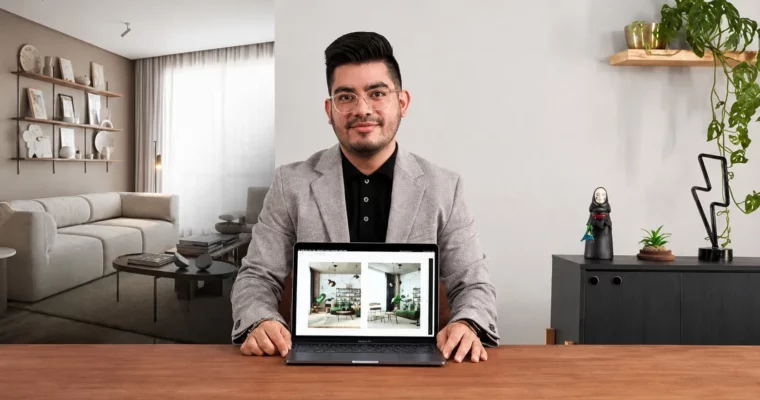
Designing Spaces with Corona Renderer and 3DSMax by Anthony Flores

Duration:2h 19m
Actual Duration:2h 21m
Release date:2025
Publisher:Domestika
Skill level:Beginner
Language:English
Exercise files:Yes
Software:3DSMax, Corona Renderer, Photoshop
Course URL:https://www.domestika.org/en/courses/4451-designing-spaces-with-corona-renderer-and-3dsmax
Learn to design naturally lit interior spaces from scratch using 3DSMax and Corona Renderer. This course walks you through building two complete scenes, starting with a simple setup to nail the fundamentals of lighting and materials, then pushing into a more complex living room project. You’ll go from a blank canvas to a polished, portfolio-ready render.
🎯 What you’ll learn
- Conceptualize and model interior spaces from scratch
- Set up natural and artificial lighting for realistic renders
- Create and adjust materials using Corona Renderer
- Use LightMix and post-production in Photoshop for a professional finish
- Build a moodboard and select finishing palettes
✅ Requirements
- Skills: Intermediate knowledge of 3DSMax and Corona Renderer. Basic understanding of interior design and 3D modeling.
- Tools: A computer with 3DSMax and Corona Renderer installed. Internet access for downloading resources.
- Hardware: A dedicated GPU is recommended for rendering.
📝 Description
This isn’t just a button-pushing tutorial. Anthony Flores focuses on the why behind every decision, from camera placement to material roughness. You’ll start by analyzing reference images and building a moodboard, then move into 3DSMax to model a simple space. The real magic happens when you set up lighting—Anthony shows you how to use Corona’s tools to create soft, natural light that makes a scene feel lived-in.
The course is structured around two projects. The first is a straightforward room where you’ll get comfortable with the render pipeline. The second is a living room that challenges you to think about composition and detail. You’ll learn to use LightMix to tweak lighting after the render is done, and finish everything off in Photoshop for that final polish. It’s a practical, hands-on workflow that skips the fluff and gets straight to producing results.
🧑🎓 Who this course is for
- Digital interior design enthusiasts looking to improve their 3DSMax and Corona Renderer skills.
- Intermediate users who want to create naturally lit interior spaces and explore advanced rendering techniques.
🧑🏫 About the Author
Anthony Flores is an architect and 3D artist specializing in virtual interior spaces. He has worked on a wide range of residential and commercial projects, developing a style that emphasizes detail and realistic lighting. Anthony has taught workshops internationally, sharing his practical approach to 3D visualization and helping students improve their technical skills.
🏁 Final Result
- Two complete 3D interior scenes: a simple room and a complex living room, fully lit, textured, and post-produced.
- A portfolio-ready render demonstrating your ability to create realistic, naturally lit spaces.
 Channel