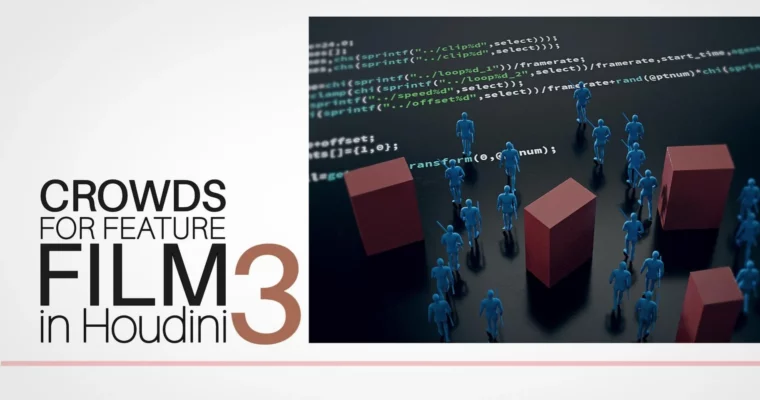
Crowds for Feature Film in Houdini 3 by Mikael Pettersen

Duration:2h 2m 42s
Actual Duration:2h 2m
Release date:2020, July
Publisher:CGCircuit
Skill level:Advanced
Language:English
Exercise files:Yes
Software:Houdini
Course URL:https://www.cgcircuit.com/course/crowds-for-feature-film-in-houdini-3
Ready to ditch pre-made solutions and craft your own crowd systems in Houdini? This course dives into building custom tools for feature film crowd simulation, empowering you to control every aspect of your character animations. You’ll learn the core principles behind reading and blending clip data, developing reusable digital assets, and understanding the math that drives non-simulated crowds.
🎯 What you’ll learn
- Reading and blending clip data in Vex
- Creating custom digital assets for crowd control
- Essential math concepts for procedural animation
- Building fundamental blocks for non-simulated crowds
- Developing your own crowd tools in Houdini
✅ Requirements
- Skills: Strong understanding of Houdini fundamentals, including concepts from previous courses by Mikael Pettersen. Familiarity with Vex is beneficial.
- Tools: Houdini software.
- Hardware: A capable workstation for running Houdini simulations.
📝 Description
This advanced course is all about empowering you to create your own crowd tools within Houdini. Mikael Pettersen, a seasoned professional with extensive experience in feature film VFX, guides you through the essential techniques. You’ll explore how to effectively read and blend clip data using Vex, a powerful scripting language within Houdini. A significant focus is placed on developing robust digital assets, making your tools reusable and efficient. We’ll also cover crucial math concepts that underpin procedural animation and explore the foundational elements needed for creating believable non-simulated crowds. This course is designed for those who want to move beyond standard setups and gain deep control over their crowd simulations for high-end VFX production.
🧑🎓 Who this course is for
- VFX artists looking to specialize in crowd simulation and tool development.
- Technical Directors aiming to build custom Houdini solutions for character animation.
- Students who have completed previous Houdini courses by Mikael Pettersen and want to advance their skills.
- Professionals seeking to understand the pipeline for creating non-simulated crowds in feature films.
🧑🏫 About the Author
Mikael Pettersen brings over 13 years of experience in the VFX industry, working on major commercials and blockbuster feature films. His impressive filmography includes titles like “Guardians of The Galaxy,” “The Jungle Book,” and “Ready Player One.” Currently serving as Head of Simulation at MPC Episodic and formerly a Lead Crowd Technical Director at MPC Film, Mikael possesses deep, practical knowledge of crowd simulation and tool development in Houdini.
🏁 Final Result
- A portfolio-ready understanding of how to build custom crowd tools in Houdini, enabling you to create sophisticated character simulations for feature film projects.
 Channel