Ad Clicks : Ad Views : Ad Clicks : Ad Views : Ad Clicks : Ad Views : Ad Clicks : Ad Views :
Oh Snap!

It looks like you're using an adblocker. Adblockers make us sad. We use ads to keep our content happy and free. If you like what we are doing please consider supporting us by whitelisting our website. You can report badly-behaved ads by clicking/tapping the nearby 'Advertisement' X text.

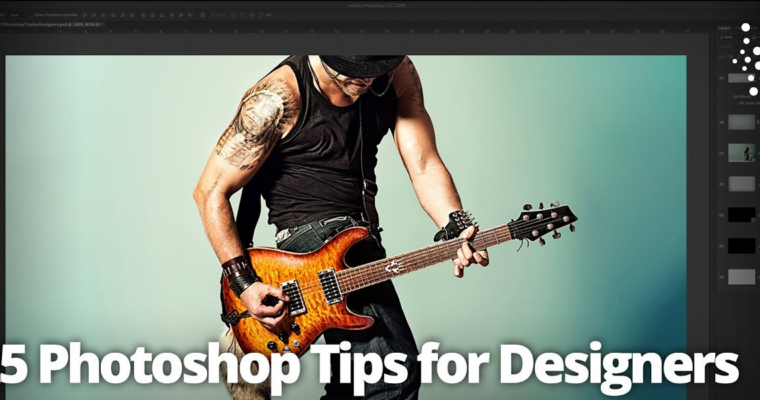
Daves Top  25 Photoshop Tips for Designers with Dave Clayton

Daves Top 25 Photoshop Tips for Designers with Dave Clayton

/

Author:Dave Clayton

Release date:2020

Skill level:Beginner

Language:English

Exercise files:Not Provided

Course URL:https://members.kelbyone.com/course/dclayton-top-25-photoshop-tips/

Join Dave Clayton as he shares his top Photoshop tips and tricks for designers! Dave works through a series of projects as he shares a steady stream of tips to help you in your workflow. His tips cover topics ranging from key preference settings to smart objects, slider tricks, selections, adjustment layers, maximizing CC Libraries, and so much more.

Curriculum

Lesson 1 : Jump Right In
Lesson 2 : CC Libraries, Smart Objects, and More
Lesson 3 : Adjustment Layers, Preferences, and More
Lesson 4 : Scrubby Sliders, Selections, and More
Lesson 5 : Closing Tip

Leave a Comment

Your email address will not be published. Required fields are marked *