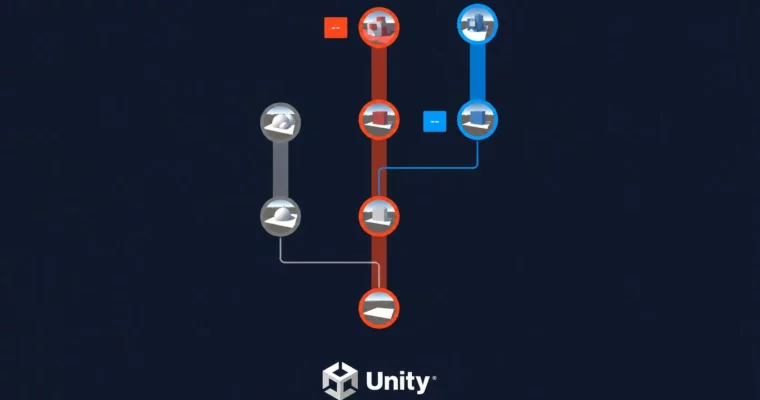
Unity Version Control by Unity 6 by Rutuparn Dalvi, David Makowski

Duration:5 hours
Actual Duration:4h 47m
Release date:2025, June
Publisher:Udemy
Skill level:Intermediate
Language:English
Exercise files:Yes
Software:Unity, Plastic SCM
Course URL:https://www.udemy.com/course/unity-version-control-with-unity-6
This course is a straight-up guide to Unity Version Control (UVC), the system formerly known as Plastic SCM. If you’ve ever fought with Git over a .unity scene file, this is for you. It walks you through setting up repositories, managing branches, and handling merges—all from inside the Unity Editor. You’ll also connect everything to Unity Cloud for team collaboration.
🎯 What you’ll learn
- Set up and configure Unity Version Control for your projects
- Manage branches, changesets, and file statuses
- Resolve merge conflicts for scenes, prefabs, and scripts
- Connect your repositories to Unity Cloud for team collaboration
✅ Requirements
- Skills: Some initial experience with Unity
📝 Description
This isn’t a theory-heavy lecture. It’s a practical walkthrough of Unity Version Control, the tool that replaced Plastic SCM inside Unity. The instructors start with the absolute basics—what a changeset is, how file statuses work—and then move straight into the messy stuff: merge conflicts.
You’ll see exactly how to handle a scene conflict (the kind that usually breaks everything) and how to deal with prefab and script conflicts. The course includes a full project where you build a simple level, add player movement, and then intentionally create conflicts to practice resolving them. It also covers Smart Locks (exclusive check-outs) and how to configure permissions for your team through Unity Cloud.
The instructors are upfront that some parts of the course, particularly around Unity Cloud, will be updated as the platform evolves. So you’re getting a current, practical guide with a promise of future updates.
🧑🎓 Who this course is for
- Unity developers who are tired of fighting with Git over binary scene files
- Solo devs who want to learn proper version control before starting a team project
🧑🏫 About the Author
David Makowski is a software engineer from South Germany with a Master’s in Computer Science and over 8 years of industry experience. His real passion is 2D game development in Unity, and he has built projects ranging from RTS games to AI sports simulations.
Rutuparn Dalvi graduated from IIT Bombay (top 0.05 percentile) with a Bachelor’s in Mechanical Engineering. He has multiple national and international accolades, including a device that used image processing to convert printed text to speech. He now focuses on helping people build strong interdisciplinary skills.
🏁 Final Result
- A fully configured Unity project connected to Unity Cloud with a working version control setup
- Practical experience resolving real merge conflicts for scenes, prefabs, and scripts
 Channel