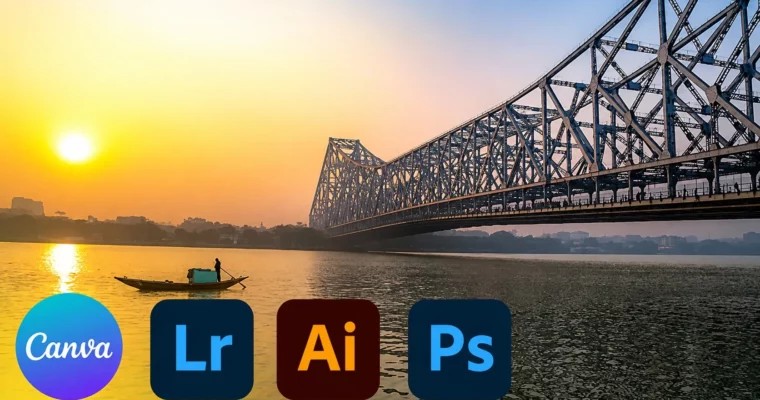
The Complete Photo Editing Masterclass by Learnify IT

Duration:5.5 hours
Actual Duration:5h 38m
Release date:2026, April
Publisher:Udemy
Skill level:Beginner
Language:English
Exercise files:Yes
Software:Adobe Photoshop, Adobe Illustrator, Adobe Lightroom, Canva
Course URL:https://www.udemy.com/course/the-complete-photo-editing-masterclass-with-adobe-and-canva
This course is a straight-up toolkit for anyone who wants to stop guessing and start editing photos that actually pop on social media. You’ll work through Adobe Photoshop, Illustrator, Lightroom, and Canva, picking up the exact workflows for exposure fixes, color grading, retouching, and graphic overlays. No fluff—just practical steps to get your images looking polished and professional.
🎯 What you’ll learn
- Correct exposure and color in Photoshop and Lightroom
- Retouch portraits and remove unwanted objects
- Create vector graphics and masks in Illustrator
- Design social media templates and text overlays in Canva
- Organize and batch-process photos with Lightroom
✅ Requirements
- Skills: Basic computer knowledge
- Tools: A computer with internet access
📝 Description
This isn’t a deep-dive into every menu option. It’s a focused, hands-on walkthrough that gets you comfortable with the core tools in four different apps. You’ll start with Adobe Illustrator to understand vector shapes and masking, then jump into Canva to build actual social media graphics. From there, it’s into Lightroom for organizing your library and applying consistent color grades. Finally, you’ll hit Photoshop for targeted retouching—like removing a fence from a landscape shot.
The structure is built around short, actionable lessons. Each section ends with a class project where you apply what you’ve just learned. By the end, you’ll have a repeatable workflow: shoot, import, organize, edit, and publish. The focus is on real-world results, not theory.
🧑🎓 Who this course is for
- Beginners who want a single course covering the most popular photo editing tools
- Social media creators looking to improve the quality of their visual content
- Hobbyists who want to move beyond auto-filters and gain manual control
🧑🏫 About the Author
Learnify IT is an online education provider with a catalog of over 60 courses and more than 500,000 students. They specialize in practical, project-based training for creative software and productivity tools. Their instructors focus on breaking down complex workflows into clear, repeatable steps.
🏁 Final Result
- A portfolio of edited photos demonstrating exposure correction, color grading, and retouching
- Custom social media graphics and templates created in Canva
- A repeatable editing workflow using Lightroom for organization and Photoshop for detailed fixes
 Channel