

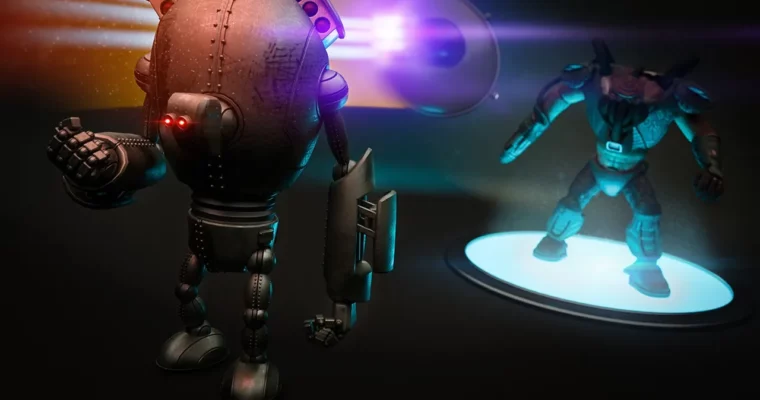
Maya Animation Fundamentals by Mark Masters
Duration:3h 24m
Actual Duration:3h 24m
Release date:2024
Publisher:Pluralsight
Skill level:Beginner
Language:English
Exercise files:Yes
Software:Maya
Course URL:https://www.pluralsight.com/courses/maya-animation-fundamentals
If your animation looks floaty or stiff and you are not sure why, this is the fix. This course breaks down Maya 2017 playback, keyframes, and editors into simple, usable habits you can apply to any shot.
🎯 What you’ll learn
- Navigate playback controls and the time slider for fast review
- Set and edit keyframes to build a basic animation from scratch
- Adjust timing and spacing with the Graph Editor
- Use the Time Editor to retime and layer clips
- Visualize motion with ghosts, trajectories, and playblasts
- Animate an object along a motion path with control
- Build procedural motion with the MASH animation toolset
✅ Requirements
- Skills: No prior animation experience needed, basic familiarity with Maya UI helps
- Tools: Maya 2017, 3-button mouse
- Hardware: 64-bit workstation capable of running Maya, 8GB+ RAM and dedicated GPU recommended
📝 Description
This is a button-by-button walkthrough for people who want to actually understand Maya animation, not just copy poses. You start with the stuff everyone skips — playback controls, time slider, and animation preferences. Get your frame rate, playback speed, and keying behavior right first, and everything after gets easier.
Then you get into keying. You will set keyframes, fix overshoots, and learn how tangents and interpolation change the feel of a move. The big chunk in the middle is the Graph Editor. That is where you clean up pops, fix floaty timing, and shape your curves so the motion has weight.
From there it gets more practical. You will play with the Time Editor to cut, stretch, and blend clips without re-keying everything. You will turn on ghosts and motion trails to actually see arcs and spacing. You will constrain an object to a motion path for clean follow-through, and finish with a look at MASH for quick procedural animation like offsets, delays, and distributions.
Short lessons, one tool at a time. Perfect if you know basic keyframing but your work still does not look pro yet.
🧑🎓 Who this course is for
- Beginners who want a solid foundation in Maya animation tools and workflow
- 3D artists and students who can model or rig a little but struggle with timing and polish
🧑🏫 About the Author
Mark Masters got hooked on animation early and turned it into a full-time career. He worked as an Animation and Rigging Instructor for Pluralsight (Digital-Tutors), where he taught 20 courses and earned a 4.6 author rating from over 600 reviews.
He later moved into production as an animator on Floogals for NBC Sprouts. That mix of teaching and studio work is why he explains tools in a clear, shot-focused way.
🏁 Final Result
- A finished basic animation in Maya 2017 built with proper keyframing, cleaned Graph Editor curves, and path-based motion — ready to show timing and spacing fundamentals in your reel.
 Channel