

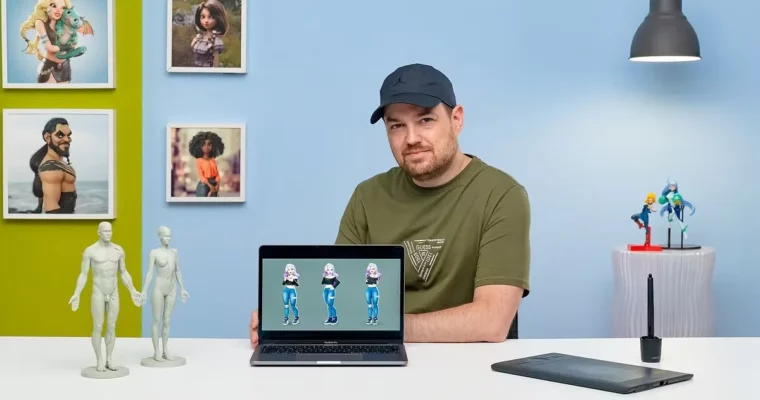
ZBrush – Modeling of a Stylized Character by Javier Benver

Duration:7h 38m
Actual Duration:7h 39m
Release date:2024, July
Publisher:Domestika
Skill level:Intermediate
Language:Spanish
Exercise files:Yes
Software:ZBrush, Maya, Adobe Photoshop
Course URL:https://www.domestika.org/en/courses/4305-zbrush-modeling-of-a-stylized-character
If you want your sculpts to look cute instead of stiff, this course gives you a repeatable process. Javier Benver builds a stylized female character in ZBrush from moodboard to final render, focusing on solid blocking, face appeal, and personality that actually reads on screen.
🎯 What you’ll learn
- Sculpt a stylized female character from scratch in ZBrush
- Use blocking techniques to nail proportions fast
- Model expressive cartoon faces with clean forms
- Sculpt body, clothing, accessories and stylized hair
- Work with Blend Shapes and layers for expression
- Pose the character and finish with render and Photoshop touch-up
✅ Requirements
- Skills: Basic familiarity with digital art and 3D navigation, comfortable learning at intermediate pace
- Tools: ZBrush, Maya, Adobe Photoshop
- Hardware: Graphics tablet strongly recommended for sculpting, computer capable of running ZBrush with 16GB RAM
📝 Description
This isn’t theory. It’s a full build, start to finish. Javier starts with references and a moodboard, then jumps straight into ZBrush to block out the whole character in simple volumes. That early blocking stage is where most people go wrong, and he shows how to lock proportions before you touch any detail.
From there it’s all about appeal. You’ll work the face a lot — eyes, nose, mouth, jawline — keeping shapes simple but readable. Same for the body: no anatomy lecture, just what works for stylized characters. How to push curves, keep silhouettes clean, and avoid that lumpy look when you subdivide.
Then you dress her up. Clothes, accessories, hair — all sculpted directly, with attention to thickness, folds, and layering. You’ll use Blend Shapes and layers to test expressions and tweak without destroying your sculpt. Finally, color, pose, light, and render straight from ZBrush plus a quick Photoshop pass for presentation. Short lessons, clear steps, you can follow along and actually finish.
🧑🎓 Who this course is for
- Digital artists and illustrators who want to move into 3D stylized characters
- Intermediate ZBrush users who want a cleaner workflow for cartoon faces, posing and presentation
🧑🏫 About the Author
Javier Benver is a designer and 3D modeler focused on stylized and cartoon characters. He works primarily in ZBrush for sculpting and character development, with a practical teaching style built around blocking, face design, and efficient production habits.
🏁 Final Result
- A finished cartoon-style female character modeled, posed, colored and rendered in ZBrush with final polish in Photoshop, ready for your portfolio.
 Channel