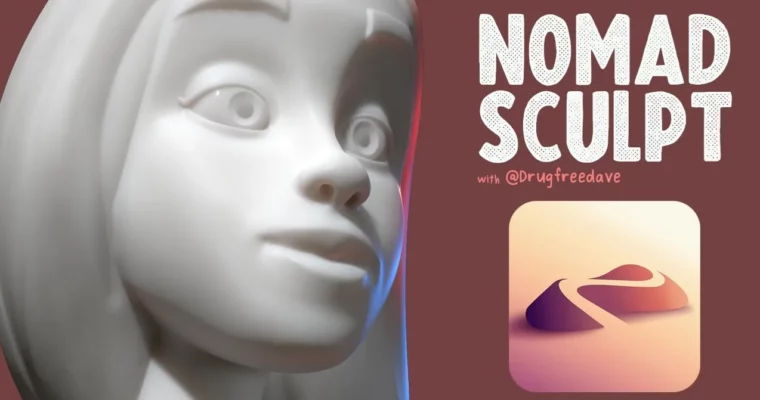
3D Model a Human Head with Nomad Sculpt by Dave Reed

Duration:2h 36m
Actual Duration:2h 34m
Release date:2023, February
Publisher:Skillshare
Skill level:Beginner
Language:English
Exercise files:Yes
Software:Nomad Sculpt
Course URL:https://www.skillshare.com/en/classes/3d-model-a-human-head-with-nomad-sculpt/305847532
Start with a sphere and end up with a cartoony Disney-style head — all on your iPad. This class gives you a repeatable formula for Nomad Sculpt to block out facial proportions, push stylized shapes, and finish with hair, color, and light.
🎯 What you’ll learn
- Block out a stylized human head starting from a simple sphere
- Sculpt ears, jaw, lips, nose, brow and eyelids with clean forms
- Use cheat-code techniques for eyebrows and cartoon hair
- Shape facial planes for a readable, appealing cartoony look
- Add beard trim, color, dynamic lighting and subsurface scattering
- Build a reusable workflow to create any humanoid character or creature
✅ Requirements
- Skills: No prior sculpting experience needed, basic familiarity with 3D navigation helps
- Tools: Nomad Sculpt app, Apple Pencil or stylus recommended
- Hardware: iPad, iPad Pro, or Android tablet capable of running Nomad Sculpt
📝 Description
Forget being scared of sculpting humans. Dave breaks it down to a simple, repeatable process: sphere first, big shapes second, details last. You will work directly in Nomad Sculpt on mobile, so you can practice anywhere. Short lessons, one feature at a time — ears, mouth, nose, eyes — no long boring slogs.
The fun part is the stylization. You will learn how to push the jaw, squash and stretch facial planes, and keep things cartoony instead of lumpy. Dave shows his go-to moves for lips, eyelids, and nose-to-brow transitions, plus how to fix stuff when it looks off. That “dialing in” pass is where a blob actually starts to look like a character.
Then it is all personality. You get eyebrow cheat codes, a trimmed beard look, and three different approaches to stylized hair including that Disney swirl. To close it out, you will set up dynamic lighting, play with subsurface scattering for skin, and add post-processing right in the app so your render pops for portfolio or social.
🧑🎓 Who this course is for
- Beginners who want to sculpt their first readable human head on iPad or Android
- 2D illustrators and character designers moving into 3D for fun or freelance
- Nomad users who can sculpt blobs but struggle with faces that look right
🧑🏫 About the Author
Dave Reed is a 2D & 3D illustrator based in Brooklyn, NY and a Skillshare Top Teacher. He works in character design and mobile sculpting, and is known for breaking down tricky 3D topics into simple, friendly steps. His classes focus on practical formulas you can reuse to build any kind of stylized human or creature.
🏁 Final Result
- A finished stylized 3D human head sculpted from a sphere, with facial features, hair, color, lighting and post-processing — ready to post as a class project and reuse as a base for future characters.
 Channel