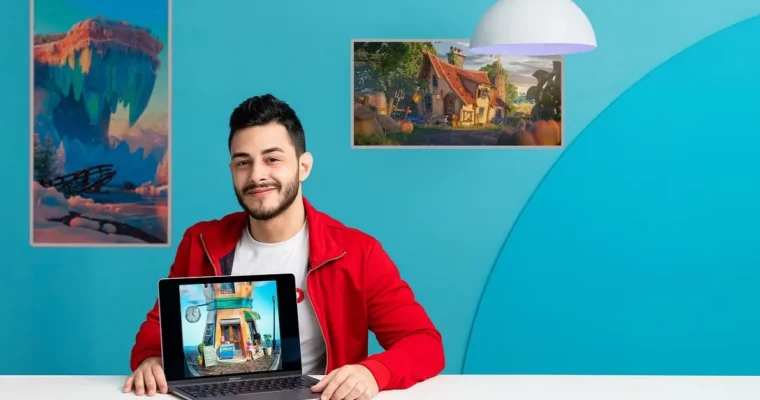
Introduction to Adobe Substance 3D Painter by Pedro Henrique Plácido Silva

Actual Duration:2h 34m
Release date:2024, July
Publisher:Domestika
Skill level:Beginner
Language:English
Exercise files:Yes
Software:Adobe Substance 3D Painter, Blender, Photoshop
Course URL:https://www.domestika.org/en/courses/4308-introduction-to-adobe-substance-3d-painter
Turn a gray, lifeless 3D asset into a finished shot that actually holds up on screen. This course walks you through Look Development from start to finish — prepping models, painting PBR textures in Substance Painter, then lighting and rendering in Blender.
🎯 What you’ll learn
- Understand Look Development and how materials, light, and texture work together
- Prepare 3D models for clean, error-free texturing in Substance Painter
- Organize layers, bake maps, and apply smart materials
- Texture specific surfaces with anchor points, filters, and stencils
- Create wear, dirt, and realistic surface variation
- Light a scene and composite the final render in Blender
✅ Requirements
- Skills: Basic familiarity with Blender and Substance Painter interface, understanding of 3D basics
- Tools: Adobe Substance 3D Painter, Blender, image editor like Photoshop
- Hardware: PC or Mac capable of running Substance Painter and Blender, dedicated GPU recommended
📝 Description
Look Dev is where 3D stops looking CG and starts feeling real. This course keeps it practical: you pick references, prep your asset so you don’t get baking errors later, then get straight into Substance Painter and start layering up materials that make sense.
You will learn how to keep your stack clean — folders, smart masks, generators — so you can actually go back and change stuff without breaking everything. Then it gets fun: anchor points for linking details across channels, filters for edge wear and grime, and stencils to drop in logos, patterns, and small imperfections that sell scale.
The last stretch happens in Blender. That’s where lighting does half the work. You’ll set up lights and shadows, tweak roughness and color so materials read correctly on camera, and run everything through the compositor for that final bit of contrast and polish. No theory dump, just a real project workflow you can reuse on games, animation, or personal work.
🧑🎓 Who this course is for
- 3D artists and designers who want cleaner, more believable textures for games and animation
- Digital creatives working in audiovisual production who need a solid, repeatable Look Development workflow
🧑🏫 About the Author
Pedro Henrique Plácido Silva is a 3D artist focused on Look Development and asset texturing for animation and games. His work centers on the full finishing process — from PBR materials and detailed surface work in Substance Painter to lighting and presentation in Blender.
🏁 Final Result
- A complete, fully textured and lit 3D scene, finished in Blender — ready to show as a Look Development portfolio piece.
 Channel