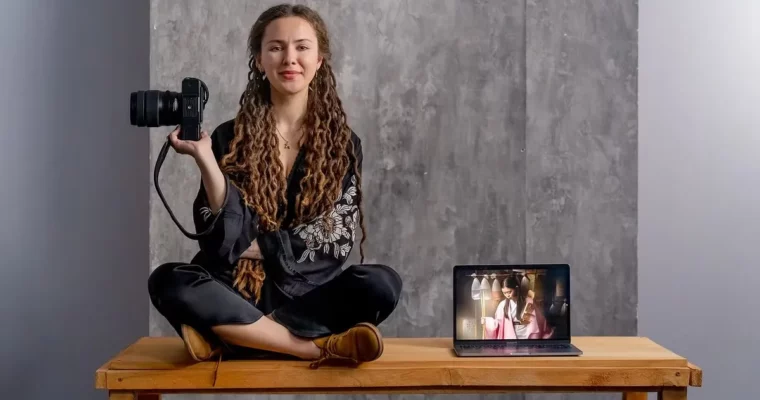
Fine Art Retouching in Photoshop by Alisa Sibirskaya

Actual Duration:3h 47m
Release date:2023, September
Publisher:Domestika
Skill level:Intermediate
Language:Spanish
Exercise files:Yes
Software:Photoshop, Lightroom
Course URL:https://www.domestika.org/en/courses/5208-fine-art-retouching-in-photoshop
Learn to turn a simple portrait into a narrative, painterly image. This course focuses on the creative and technical side of Fine Art retouching in Photoshop, moving beyond basic beauty work to build images that tell a story.
🎯 What you’ll learn
- Develop a creative concept and choose symbolic objects for your composition.
- Master retouching techniques like frequency separation and the Liquify filter.
- Create realistic photomontages by cutting out objects and integrating them with light and shadow.
- Use adjustment layers to unify the color and mood of your final image.
✅ Requirements
- Skills: Basic knowledge of Photoshop is recommended.
- Tools: A computer with internet access.
- Hardware: [REQUIRES UPDATE]
📝 Description
This isn’t a standard retouching course. Alisa Sibirskaya focuses on the why behind the edit. You’ll start by learning how to provoke a creative idea and use objects as a universal code of art. The technical side covers a practical retouching workflow, including the double development technique in Lightroom and frequency separation in Photoshop.
The core of the course is photomontage. You’ll learn to cut out objects with smooth and irregular edges, handle semi-transparent elements like hair or fabric, and integrate everything with believable light and shadow. The goal is to build a cohesive, painterly composition that feels natural, not pasted together. Alisa wraps up by showing how to use adjustment layers to finalize the mood and color palette of your piece.
🧑🎓 Who this course is for
- Photographers who want to move into more artistic, conceptual work.
- Photoshop users looking to master advanced compositing and retouching techniques.
- Anyone interested in creating narrative, fine art-style portraits.
🧑🏫 About the Author
Alisa Sibirskaya is a photographer whose work has been exhibited internationally, from Turkey to the Netherlands. Her images have been featured in magazines like La Photography Magazine and Photo World, and she has received awards at the LUX Awards in Spain. Her style is heavily influenced by painting, and she uses photography as a tool for personal expression and storytelling.
🏁 Final Result
- A completed Fine Art photomontage portrait that uses symbolic elements and narrative composition to tell a story.
 Channel