Learn to Develop an Inventory System in Unity 6 & Blender by Penny de Byl, Michael Bridges, Penny Holistic3D

Duration:16 hours on-demand video
Actual Duration:15h 48m
Release date:2024, November
Publisher:Udemy
Skill level:Intermediate
Language:English
Exercise files:Yes
Software:Unity 6, Blender
Course URL:https://www.udemy.com/course/learn-to-develop-an-inventory-system-in-unity-6-blender
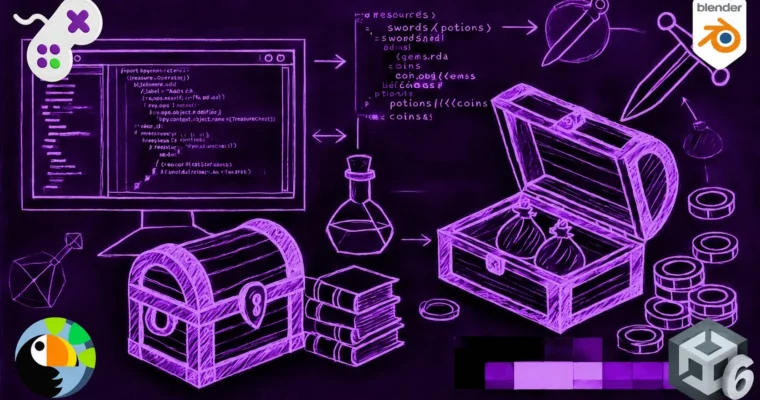
Build a complete inventory system for your games, from the backend code to the 3D assets. This course walks you through creating a Viking-themed inventory in Unity 6, then shows you how to model and texture the items in Blender. You’ll end up with a reusable system and a portfolio-ready project.
🎯 What you’ll learn
- Build a fully interactive inventory system in Unity 6 using ScriptableObjects and custom editors.
- Model and texture low-poly Viking-themed 3D assets in Blender.
- Implement a polished UI with tabs, scroll views, and a 3D item preview.
- Link inventory items to interactive game objects with physics and drop mechanics.
✅ Requirements
- Skills: Basic knowledge of Unity editor and navigation, fundamental C# scripting (variables, methods, classes), and some experience with Blender for 3D modeling.
- Tools: Unity 6 installed, Blender.
- Hardware: A computer capable of running Unity 6 and Blender. A drawing tablet is recommended for sculpting.
📝 Description
This course is split into two clear halves. First, you’ll build the entire inventory system in Unity 6. Penny walks you through using ScriptableObjects to store item data, writing custom editor scripts to manage everything, and setting up the Input System for picking up and dropping items. You’ll code functions for adding, removing, and stacking items, and you’ll test it all in real-time.
Then, Mike takes over for the art side. You’ll model a set of Viking-themed items in Blender, starting with low-poly blocking and moving into sculpting for detail. The texturing section covers UV unwrapping, creating PBR textures, and baking high-poly detail onto low-poly models. The goal is to get game-ready assets that look good and run well.
The UI section is where it all comes together. You’ll design a tabbed inventory window with a scroll view, toggle groups, and a 3D preview that shows your items in real-time. It’s a practical, hands-on approach that gives you a system you can drop into any project.
🧑🎓 Who this course is for
- Beginner to intermediate Unity and Blender users who want to deepen their skills in game development and 3D asset creation.
- Aspiring game developers looking to build a professional inventory system from scratch, ideal for fantasy or Viking-themed games.
- 3D artists expanding into game design who want to integrate their assets into an interactive environment.
- Programmers interested in game mechanics and structuring inventory systems.
- Indie developers and hobbyists wanting a fully functional and visually polished inventory system.
🧑🏫 About the Author
Penny de Byl is a full professor with over 25 years of experience teaching game development, programming, and computer graphics. She holds a Ph.D. in artificial intelligence for game characters and has consulted for Unity and SAE. Her textbook Holistic Game Development with Unity is used in over 100 institutions worldwide. Her graduates work at companies like Apple, Ubisoft, and LinkedIn.
Michael Bridges is a self-confessed technology geek with a passion for teaching. He focuses on making complex topics accessible using everyday language. He has extensive experience in 3D modeling and game art pipelines.
Penny Holistic3D is the same Penny de Byl, operating under a studio name for her 3D-focused content.
🏁 Final Result
- A fully functional, reusable inventory system built in Unity 6 with a custom editor and UI.
- A set of textured, game-ready Viking-themed 3D assets (e.g., axe, shield, potion) created in Blender.
- A third-person game environment where you can pick up, drop, and manage items with physics.
 Channel