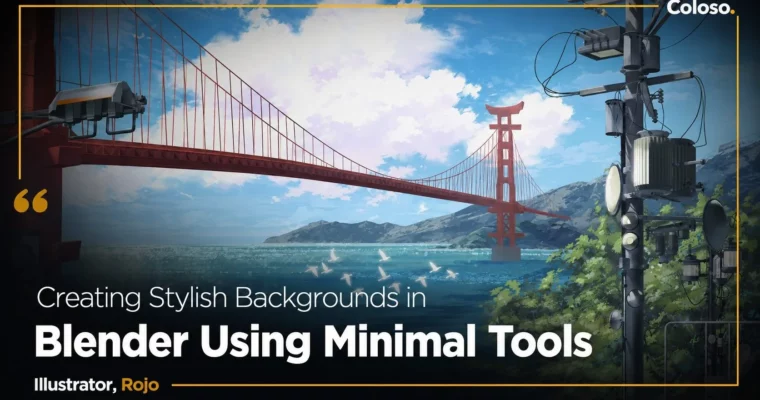
Creating Stylish Backgrounds in Blender Using Minimal Tools by Rojo 3

Duration:18 hours 12 minutes
Actual Duration:18h 11m
Release date:2026
Publisher:Coloso
Skill level:Beginner
Language:English
Exercise files:Yes
Software:Blender, Clip Studio Paint, Adobe Photoshop
Course URL:https://coloso.global/en/products/illustrator-rojo3-us
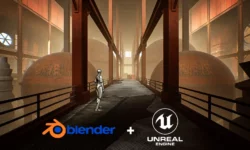
If you can draw characters but freeze up when it’s time to build a background, this course is for you. Rojo, a Korean background concept artist, shows you how to use Blender as a practical tool for illustrators, not as a full 3D package. You’ll skip the overwhelming parts of the software and focus on what actually matters: getting accurate perspective, lighting, and composition so you can paint over it in your own style.
The whole point is efficiency. Instead of spending hours sketching and erasing perspective lines, you’ll block out scenes in Blender, arrange props, and then bring that render into Clip Studio Paint or Photoshop for the final polish. By the end, you’ll have a complete ruined cityscape illustration that shows you can handle large-scale backgrounds with confidence.
🎯 What you’ll learn
- Use Blender’s core features for illustration, not full 3D production
- Create and place props like chairs, cups, and desks for scene building
- Apply color theory and aerial perspective to make backgrounds feel deep
- Combine 3D renders with 2D painting for a natural, cohesive look
- Speed up your workflow with photobashing and texture compositing
✅ Requirements
- Skills: Basic drawing ability and familiarity with 2D painting software. No prior Blender experience needed.
- Tools: Blender 4.0, Clip Studio Paint 2.0, Adobe Photoshop 2024 (or similar 2D painting software)
- Hardware: A computer capable of running Blender 4.0 smoothly. A drawing tablet is highly recommended for the 2D painting portions.
📝 Description
Blender can feel like a monster. Hundreds of buttons, modifiers, and menus that seem designed for engineers, not artists. Rojo cuts through that noise. This class is built specifically for illustrators who want the 3D advantage without becoming a 3D artist. You’ll learn the essential shortcuts, the basic modeling tools, and the workflow for getting a scene ready to paint over.
The curriculum is structured around a single goal: producing a finished background illustration. You start with simple props like a chair and a cup, then move into arranging a full scene. Rojo shows you how to organize your Blender file so you can export foreground, middle ground, and background elements separately. That’s the trick for maintaining depth when you move into Photoshop or Clip Studio.
Color and atmosphere get their own deep dive. Rojo explains local color versus environmental color, and how to use exaggerated tones to push the mood of your piece. She also covers aerial perspective, which is the simplest way to make a large scene feel vast and believable. These are concepts you can apply to any illustration, even if you never open Blender again.
The final project is a ruined cityscape. You’ll watch Rojo build it from scratch, from blocking out buildings to adding the final character and plant details. It’s a practical, repeatable process that you can adapt to your own scenes. If you’re tired of avoiding backgrounds or spending too long on them, this course gives you a direct path forward.
🧑🎓 Who this course is for
- Illustrators who can draw characters but struggle with backgrounds and environments
- Freelancers and webtoon artists who need to produce high-quality backgrounds faster
- 2D artists who are curious about Blender but intimidated by its complexity
🧑🏫 About the Author
Rojo is a freelance background concept artist and instructor based in Korea. She has worked as a background concept artist at studios like Neowiz and Team D.T.R, and more recently as a background artist at PIsoft and WEEBOX. Her published book, “Rojo’s Guide to Making Background Illustrations,” came out in 2019, and she has also collaborated with Adobe on a Fresco campaign. She teaches at PROPIC and has a track record of breaking down complex background drawing techniques into systematic, learnable steps.
🏁 Final Result
- A complete large-scale ruined cityscape background illustration, created through a full Blender-to-2D workflow
- A set of reusable Blender models and resources for future projects
- A solid understanding of how to integrate 3D tools into a 2D illustration pipeline
📢 Guys, this is a Group Buy campaign, check the GBC forum thread to get access
You can find the course preview in the download section below.
 Channel