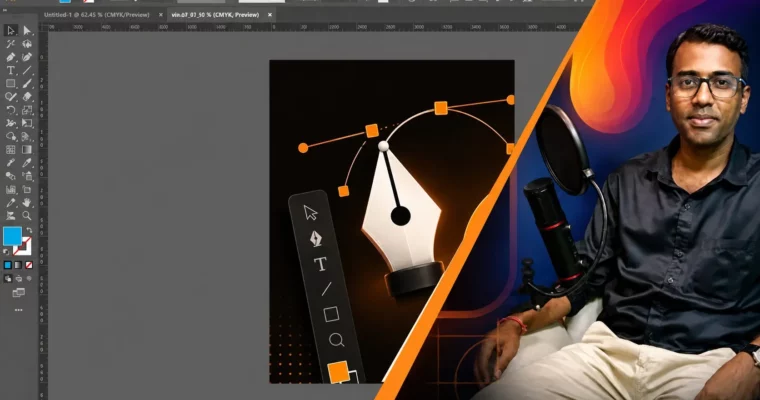
Complete Adobe Illustrator Course Basic to Advanced (2026) (Hindi) by Krishna Kumar Verma

Duration:3 hours
Actual Duration:1h 58m
Release date:2026, June 9
Publisher:Udemy
Skill level:Beginner
Language:Hindi
Exercise files:Yes
Software:Adobe Illustrator
Course URL:https://www.udemy.com/course/complete-adobe-illustrator-course-basic-to-advanced-2026/
A no-fluff, hands-on course for absolute beginners who want to learn Adobe Illustrator in Hindi and understand exactly how to use it for real work. You’ll go from opening the software for the first time to creating logos, social media graphics, and branding materials. The focus is on practical skills and career possibilities, not just tool names.
🎯 What you’ll learn
- Complete understanding of the Adobe Illustrator interface and core tools.
- Mastering the Pen Tool, basic shapes, and vector drawing techniques.
- Creating professional logo designs from scratch.
- Working with typography and text effects.
- Designing social media graphics (posts, banners, posters).
- Creating branding materials (business cards, flyers, logo kits).
- Proper export settings for print and digital media.
- Building a freelance-ready design portfolio.
✅ Requirements
- Skills: Basic computer knowledge. No prior design experience needed.
- Tools: Adobe Illustrator installed on your computer.
- Hardware: A computer or laptop (Windows or Mac).
📝 Description
This course skips the fluff and gets straight to the point. It’s built for Hindi-speaking beginners who are tired of tutorials that just list tools without explaining the why. Instructor Krishna Kumar Verma focuses on the real-world application of vector design skills.
You’ll start by getting comfortable with the Illustrator interface, then immediately jump into the Pen Tool—the backbone of vector art. From there, you’ll work through practical projects like a paper cut effect, a logo design, and a watch illustration using the rotation tool. Each lesson is designed to build your confidence and show you exactly how these techniques are used in professional graphic design.
The course also dedicates time to the career side of things. It outlines the opportunities available after learning Illustrator, from freelancing on platforms to landing a full-time role at a studio. You won’t just learn how to use the software; you’ll learn how to market that skill.
🧑🎓 Who this course is for
- Absolute beginners who want to learn Adobe Illustrator from scratch in Hindi.
- Students exploring creative careers in graphic design and illustration.
- Aspiring logo designers and brand identity creators.
- Freelancers who want to start earning with design skills.
- Social media content creators who want to design their own posts and banners.
🧑🏫 About the Author
Krishna Kumar Verma is a professional Graphics, Animation, VFX, and Motion Graphics trainer with over 8 years of teaching experience. He has delivered offline classroom training at reputed institutes and university-level programs across India. His teaching philosophy is rooted in real production skills and career-focused guidance, not just software theory. Many of his former students now work in top companies or run their own creative studios.
🏁 Final Result
- A solid portfolio piece featuring a custom logo design and a branded watch illustration.
- The confidence to navigate Adobe Illustrator and create vector graphics for print and digital media.
- A clear understanding of the career paths and freelance opportunities available to a graphic designer.
 Channel