It looks like you're using an adblocker.
Adblockers make us sad. We use ads to keep our content happy and free. If you like what we are doing please consider supporting us by whitelisting our website. You can report badly-behaved ads by clicking/tapping the nearby 'Advertisement' X text.
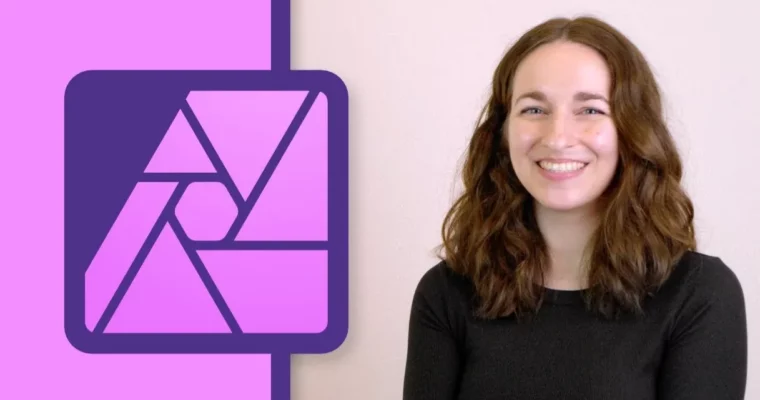
Master advanced selections, masks, color grading, and compositing in Affinity Photo to elevate your photo editing skills.
Ready to go beyond the fundamentals of Affinity Photo? This course picks up right where the beginner course left off, diving into the most powerful tools available. If you’ve got the basics down and are eager to explore more advanced techniques, this is your next step to truly mastering Affinity Photo.
🎯 What you’ll learn
Master complex selections and masks for precise image manipulation.
Achieve professional color grading and lighting adjustments.
Learn advanced photo retouching techniques for clean-up and enhancement.
Develop strong compositing skills to seamlessly blend images.
Complete realistic practice projects to build your portfolio.
✅ Requirements
Skills: Familiarity with the basic tools and interface of Affinity Photo.
Tools: A computer capable of running Affinity Photo.
Hardware: A computer with sufficient RAM for image editing (recommendation: 8GB+, 16GB+ for complex projects).
📝 Description
This course is all about taking your Affinity Photo skills to the next level. We’re going to dive deep into the powerful tools that let you make precise edits, create stunning visual effects, and combine images like a pro. You’ll learn how to tackle challenging selections, master different masking techniques, and understand how to manipulate color and light to achieve exactly the look you want. We’ll also cover essential retouching and clean-up tasks, and then put it all together with comprehensive compositing workflows. Get ready to create some seriously impressive work.
🧑🎓 Who this course is for
Anyone who has completed a beginner Affinity Photo course and wants to learn more advanced techniques.
Photographers and designers looking to enhance their editing and compositing skills.
Users who want to master selections, masks, color grading, and retouching in Affinity Photo.
🧑🏫 About the Author
Ally Anderson is your guide for this journey into advanced Affinity Photo. With a degree in education and a passion for helping creatives, Ally has produced over 1,000 tutorials for Affinity Revolution. Their expertise lies in breaking down complex software features into understandable steps, empowering users to bring their creative visions to life.
🏁 Final Result
By the end of this course, you’ll have a portfolio of advanced photo edits and composites, demonstrating your mastery of Affinity Photo‘s powerful selection, masking, color, lighting, and compositing tools. You’ll be confident in tackling complex editing challenges and creating professional-quality images.




 Channel