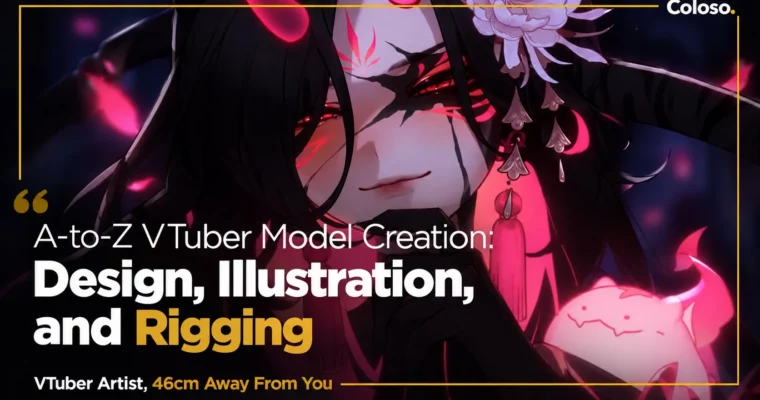
A-to-Z VTuber Model Creation – Design, Illustration, and Rigging by 46cm Away From You

Duration:52Hours 12Minutes
Actual Duration:57h 55m
Release date:2025, September
Publisher:Coloso
Skill level:Beginner
Language:English
Exercise files:Yes
Software:Clip Studio Paint, Live2D Cubism, VTube Studio
Course URL:https://coloso.global/en/products/vtuberartist-46cm-us
Want to make your own VTuber model from scratch and actually understand every step? This 52-hour class with 46cm walks you through the whole thing — character design, model art, and Live2D rigging — so you end up with a polished, stream-ready model, not just theory.
🎯 What you’ll learn
- Design a stream-ready VTuber character with brief, moodboard, and reference sheet
- Illustrate and shade model art optimized for Live2D in Clip Studio Paint
- Cut, fill, and organize PSD layers for clean, headache-free rigging
- Build art meshes, texture atlases, deformers, and parameters from zero
- Rig eyes, mouth, brows, and head XYZ angles for natural face tracking
- Add body XYZ, hair and clothing physics, and augmented physics for life-like motion
- Create toggles, alternative outfits, idle loops, and set up the model in VTube Studio
✅ Requirements
- Skills: Basic digital drawing skills, familiarity with layers and Clip Studio Paint basics
- Tools: Clip Studio Paint PRO 2.0, Live2D Cubism 5.0, VTube Studio
- Hardware: Drawing tablet, PC capable of running Live2D Cubism, webcam for face tracking tests
📝 Description
Half of a good VTuber model happens before you ever touch Live2D Cubism. 46cm starts with pre-production — briefs, moodboards, scope control, and layer organization — so you don’t paint yourself into a corner later. You learn how to design a character as a personal brand for streaming, not just a pretty illustration.
Then it gets hands-on. You’ll draw and shade the model art in Clip Studio Paint with rigging in mind, split parts early to save time, and set up clipping and layer modes correctly. The cutting section is where a lot of beginners get stuck, and she spends real time there: face cutting, filling, faux lineart with underfill, and advanced masks for shiny stuff like gems and emblems.
The rigging half is methodical. Art meshes, texture atlas optimization, warp vs rotation deformers, blendshapes, glue — all explained with what the tool actually does. From there you go into face rigging tied to real facial anatomy, head XYZ with guides to fake 3D, body angles, pendulum physics, augmented physics, and delayed angles for that soft, lively feel.
Last part is what makes it usable: toggles, alt hairstyles and outfits, idle loop animation, VTube Studio setup, hotkeys, and quality control. How to test with different cameras, catch breaks, fix physics, and polish. Plus two very practical bonus chapters on debut prep and taking commission work without burning out.
🧑🎓 Who this course is for
- Beginners who want to make their first full VTuber model for themselves
- Illustrators who can draw but get lost in cutting, meshing, and rigging logic
- Aspiring freelance riggers who want a repeatable pipeline for client work
🧑🏫 About the Author
Hiya, I’m 46cm, also known as Torako! I’m a full-time freelance illustrator and Live2D rigger with a Bachelor of Arts in 2D animation and character design. I love the whole character pipeline, from first sketch to first head tilt on stream.
I started rigging around 2019 because I couldn’t afford a commission, then won the Student Award at the Live2D Creative Awards in 2020 and the Grand Prix in 2024. Since then I’ve finished 30+ commercial models. I built this class to give you the fundamentals I had to figure out by trial and error.
🏁 Final Result
- A fully rigged anime-style Live2D VTuber model with head and body XYZ, face tracking, physics, toggles, idle loop, and VTube Studio setup — ready for debut or portfolio
📢 Guys, this is a Group Buy campaign, check the GBC forum thread to get access
You can find the course preview in the download section below.
 Channel