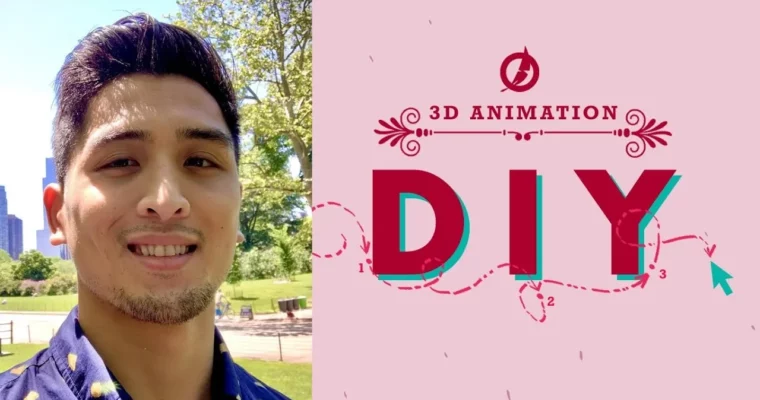
DIY Animation by Kevin Nguyen

Actual Duration:24h 42m
Release date:2021, July
Publisher:Animawarriors
Skill level:Intermediate
Language:English
Exercise files:Yes
Software:Autodesk Maya, AnimBot
Course URL:https://www.animawarriors.com/
DIY Animation is not about watching tutorials. You pick a shot, pull it apart frame by frame, rebuild it in Autodesk Maya, then make your own version from scratch. By the end you have four finished pieces covering body mechanics, shape and energy flow, and acting choices.
🎯 What you’ll learn
- How to analyze live-action reference frame by frame for weight, timing, and spacing
- How to block in pose-to-pose and refine with layered animation
- How to plan strong shapes and direct the flow of energy through the body
- How to stage complex acting shots and handle close-up facial work
- How to use Maya animation layers, graph editor, and AnimBot to stay fast and organized
- How to take a learned mechanic and apply it to an original custom shot
✅ Requirements
- Skills: Basic navigation in Maya, understanding of keyframes, timing, and the graph editor
- Tools: Autodesk Maya, AnimBot script library, 3-button mouse
- Hardware: PC capable of running Maya smoothly, minimum 16GB RAM, dedicated GPU recommended
📝 Description
This runs on a simple three-week loop. Week one you tear the reference apart. Week two you copy it. Week three you make something new with what you just learned. No guesswork, just reps.
The core of it is Kevin’s Hybrid Workflow. You start with solid pose-to-pose blocking to lock story and timing, then switch to layered animation refinement to add overlap, texture, and fix problems without wrecking your base. You will live in Autodesk Maya animation layers and the graph editor, plus use AnimBot to copy poses, manage spacing, and clean up curves faster.
Shot one is all weight. Heavy lifts, pushes, jumps – stuff where fake physics gets spotted right away. Shot two shifts to shapes and motion flow. How to keep poses graphic and readable while energy moves cleanly from hips to chest to head to hands.
Shot three is acting. Longer holds, eye darts, mouth corners, small head moves that change the whole read. You work close to the camera, so there is nowhere to hide. Shot four is yours. Pick the weakness you want to fix or the style you want in your reel and run the same three-week process on it.
🧑🎓 Who this course is for
- Animators who know Maya basics and want finished body mechanics and acting shots for their reel
- Self-taught artists who can copy tutorials but struggle to create original shots from reference
🧑🏫 About the Author
Kevin Nguyen is a working animator and founder of Animawarriors, focused on practical shot production over theory. His teaching centers on reference analysis and repeatable Maya workflows students can use on the job. Through DIY Animation he coaches animators to deconstruct, replicate, and then create original work with clear planning and organized scenes.
🏁 Final Result
- Four finished animation shots: heavy body mechanics piece, energy and shape piece, facial acting close-up, and one custom specialty shot ready to cut into your demo reel.
 Channel