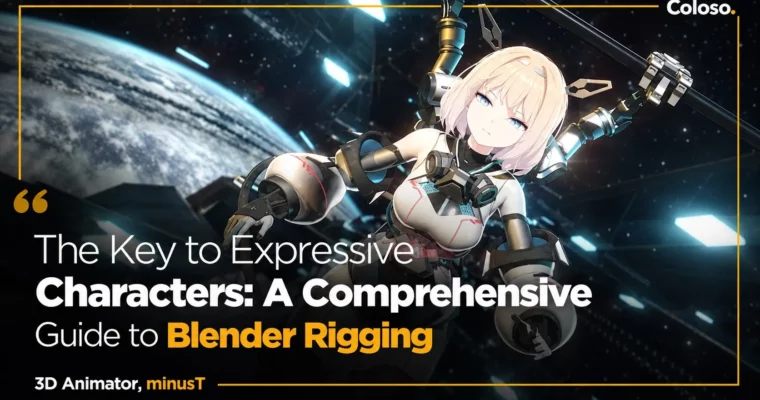
The Key to Expressive Characters – A Comprehensive Guide to Blender Rigging by minusT5

Duration:15 Hours 21 Minutes
Actual Duration:30h 41m
Release date:2025, September
Publisher:Coloso
Skill level:Advanced
Language:English
Exercise files:Yes
Software:Blender 4.3
Course URL:https://coloso.global/en/products/signature-minust5-us
If your characters feel stiff, this is the fix. This class walks you through full Blender rigging for humans, robots, hair, and effects, then puts it all together in two short animations using Drivers, Shape Keys, and physics.
🎯 What you’ll learn
- Set up bones, weights, and weight painting for a full human body
- Build arm IK, leg IK, twist bones, and head/eye tracking with Bone Constraints
- Rig fingers, feet, and torso with custom control bones and bone shapes
- Rig mechanical joints like robot arms, robot hands, pistons, and bendy tails
- Control facial expressions and corrective shapes with Shape Keys and Drivers
- Use Surface Deform Modifier and physics for sleeves, hair, and clothing
- Set up IK/FK switching and joint shape correction for cleaner poses
- Animate, render, and composite two final character shots
✅ Requirements
- Skills: Basic understanding of Blender interface, viewport navigation, and modeling basics
- Tools: Blender 4.3 installed
- Hardware: PC capable of running Blender 4.x, 3-button mouse recommended
📝 Description
This isn’t theory-only rigging. You start with armatures, weight painting, and how joints actually bend, including Euler vs Quaternion rotation and why mirroring weights matters. Then you build a full human rig piece by piece, so you know what should move and why.
From there it gets practical. You’ll set up IK systems for arms and legs, add twist bones, build finger and foot controls, and rig a torso that doesn’t collapse when you pose it. The same logic is then applied to non-human stuff: robot arm, robot hand, piston sphere, and a curved tail with Bendy Bones. If you can rig those, you can handle most characters clients throw at you.
The second half is where Blender saves you time. You’ll wire Drivers to drive values from bone movement, use Shape Keys for faces and joint corrections, and toggle IK/FK without breaking poses. Hair, sleeves, and clothing get the modifier + physics treatment with Surface Deform, so they follow naturally instead of needing hand animation on every frame.
You finish by actually animating. Using the Dope Sheet, Graph Editor, and Timeline, you’ll block poses, add keyframes, layer facial acting and effects, and render out two complete motions — one character acting shot and one mechanical / full-body motion shot.
🧑🎓 Who this course is for
- Current minusT students who want finer control over character motion
- 3D hobbyists looking for an efficient Blender rigging workflow they can reuse
- 3D character artists who want animation-ready rigs for portfolio work
🧑🏫 About the Author
minusT is a 3D animator and YouTuber focused on subculture-inspired character animation in Blender. Self-taught over 16 years, he shares the exact hands-on setup he uses for his own films instead of generic tool overviews.
His channel has passed 30 million total views, and he produced animation for The Grand Touhou Project Exhibition 2023. This class pulls from that real production experience — building rigs that need to hold up under actual animation, not just in a T-pose.
🏁 Final Result
- Two finished character animations rendered and composited in Blender — one expressive acting shot with face, hair physics, and effects, and one full-body / robot motion shot — built on a fully rigged character you set up yourself.
📢 Guys, this is a Group Buy campaign, check the GBC forum thread to get access
You can find the course preview in the download section below.
 Channel