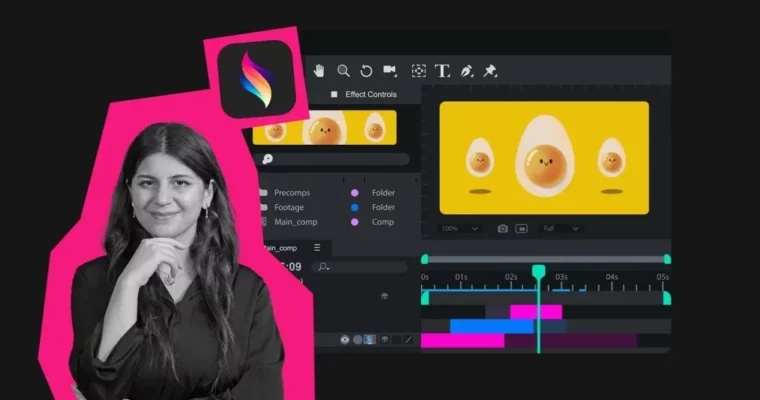
Procreate Dreams Animation Mega Course WM by Sundus "Sunshine" Ismail

Duration:16h
Actual Duration:15h 55m
Release date:2026
Publisher:92learns
Skill level:Beginner
Language:English
Exercise files:Yes
Software:Procreate Dreams
Course URL:https://www.92learns.com/procreate-dreams
Tired of tutorial purgatory and software with 800 buttons? This mega course gets you making smooth, client-ready animation in Procreate Dreams on your iPad, from first keyframe to paid work.
🎯 What you’ll learn
- Animation fundamentals – frames, keyframes, timing, spacing, and the 12 Disney principles
- Full Procreate Dreams workflow – tools, gestures, shortcuts, and project setup
- Character animation – walk cycles, acting, dialogue, lip-syncing, and secondary action
- Mixed media and VFX – animation over live video, morphing, levitation, and liquid transitions
- Sound design – SFX, music, audio sync, and pro lip-sync techniques
- How to get paid – freelancing, client work, and content for brands
✅ Requirements
- Skills: No animation experience needed, basic iPad navigation is enough
- Tools: iPad with Procreate Dreams installed, Apple Pencil recommended
- Hardware: iPad that supports Procreate Dreams, headphones for sound work
📝 Description
Look, most animation tools make you feel dumb on day one. This course flips that. You learn Procreate Dreams the way you will actually use it – on an iPad, with a pencil, making stuff move from lesson one. No 23 panels of confusion. Just keyframes, timing and spacing, and short wins that stack up fast.
Then we get into the good stuff. You will build walk cycles that feel weighty, add lip-syncing that actually matches the voice, and layer secondary action so characters stop looking stiff. Sunshine breaks it down step by step, so you know why a move works, not just which button to press. You fix floaty motion, sliding feet, and robotic timing with simple checks.
Later it gets fun. You will do mixed-media animation over real video, pull off levitation and morphs, and cut punchy loops for social. Add sound design that sells the hit, learn clean exports, and wrap with a full freelancing module on clients, pricing, and reels. By the end you are not just watching tutorials – you are shipping finished clips.
🧑🎓 Who this course is for
- Total beginners who want a clear path instead of random YouTube videos
- iPad illustrators who want to add motion to their work for social and clients
- Freelancers and content creators who need character animation, VFX loops, and sound that looks pro
🧑🏫 About the Author
Sundus Ismail, aka Sunshine, is an artist working in digital and traditional art with years spent breaking down animation into simple, followable steps. Born in 1995 in Kurdistan, she is known for her warm, beginner-friendly teaching and practical demos in Procreate Dreams. She built this course to be the structured starting point she wishes she had – no mystique, just systems that get you to finished, polished work.
🏁 Final Result
- A portfolio-ready set of finished Procreate Dreams clips – a character walk cycle with dialogue and lip-sync, a mixed-media VFX shot over video, and a sound-synced social loop ready for clients and Instagram/TikTok
 Channel