Animated Typography in After Effects Layering Simple Effects for a Complex Look by Megan Friesth

Actual Duration:1h 37m
Release date:2025
Publisher:Skillshare
Skill level:Intermediate
Language:English
Exercise files:Yes
Software:Adobe After Effects, Adobe Illustrator, Adobe Media Encoder
Course URL:https://www.classcentral.com/course/skillshare-animated-typography-in-after-effects-layering-simple-effects-for-a-complex-look-84637
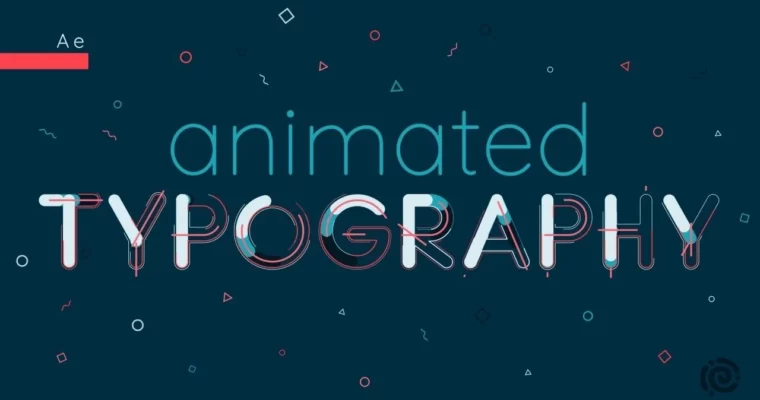
This course is all about making text move in ways that grab attention. You’ll start in Adobe Illustrator, building clean, rounded letterforms designed specifically for animation. Then you’ll jump into After Effects and layer simple effects—outlines, accents, confetti, dashed lines—to create a final look that feels way more complex than the sum of its parts. No expert-level skills required, just a solid grasp of the basics and a willingness to experiment.
🎯 What you’ll learn
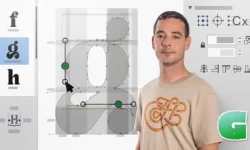
- Design clean, rounded letterforms in Adobe Illustrator ready for animation
- Import and animate main letterforms in After Effects
- Layer outlines, accents, and strokes to build complex visual depth
- Create animated confetti bursts in multiple shapes
- Reverse animations to smoothly animate letters out
- Copy and reuse effects across multiple letters efficiently
✅ Requirements
- Skills: Basic familiarity with Adobe Illustrator and Adobe After Effects interfaces and tools
- Tools: Adobe Illustrator, Adobe After Effects, Adobe Media Encoder (optional for .mp4 or .gif export)
📝 Description
The core idea here is simple: you don’t need a dozen complex plugins or years of experience to make typography that pops. Megan breaks down the process into small, repeatable steps. First, you’ll design your letters in Illustrator with animation in mind—think perfectly aligned curves and separate layers for each piece. Then you’ll bring those pieces into After Effects and start stacking effects.
What makes this approach work is the layering. A single outline might look flat, but add an inner stroke, a dashed accent line, and a few confetti bursts, and suddenly your text has real depth and energy. Megan shows you how to build these layers systematically, then how to copy your animation setup onto other letters so you’re not repeating work. She also covers reversing the animation, which is a surprisingly handy trick for looping or exiting text cleanly.
There’s a strong focus on practical, time-saving workflows throughout. You’ll also get bonus lessons on specific effects like tube strokes and multiple stroke styles, plus a section on rendering your final piece. By the end, you’ll have a complete animated typography piece and a repeatable process you can adapt for logos, lower thirds, lyric videos, social posts, and more.
🧑🎓 Who this course is for
- Motion designers and animators looking to add typography skills to their toolkit
- After Effects users with basic knowledge who want to create more polished, complex-looking animations
- Designers who want to bridge their Illustrator skills into kinetic typography and animated graphics
🧑🏫 About the Author
Megan Friesth is a motion designer and educator who focuses on typography and lettering animation. She teaches a companion course, Animated Lettering in After Effects, which covers the foundational skills needed before tackling this more advanced class. Her teaching style is practical and step-by-step, aimed at helping students build confidence with real projects rather than abstract theory.
🏁 Final Result
- A fully animated typography piece featuring layered outlines, accents, and confetti effects
- A reusable workflow for designing and animating custom letterforms in Illustrator and After Effects
- A portfolio-ready animation suitable for logos, social media, or title sequences
 Channel