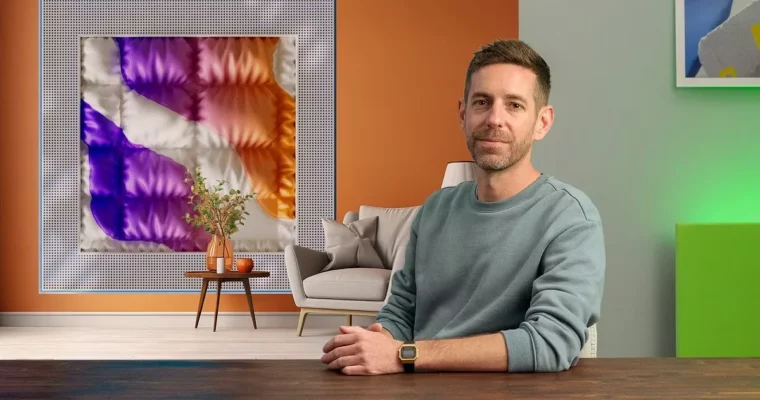
Create a 3D cinematographic introduction with Cinema 4D by Guillaume Combeaud

Duration:21 lessons
Actual Duration:3h 58m
Release date:2025, April
Publisher:Domestika
Skill level:Beginner
Language:English
Exercise files:Yes
Software:Cinema 4D, Octane Render, After Effects
Course URL:https://www.domestika.org/en/courses/4655-create-a-3d-cinematographic-introduction-with-cinema-4d
This course is all about making a punchy, colorful 3D intro that actually looks cinematic. You’ll build a 15-second opening sequence for a design festival or series, using Cinema 4D for animation and simulation, Octane Render for realistic lighting and textures, and After Effects to stitch it all together. It’s practical, hands-on, and packed with workflow tips you can reuse on your own projects.
🎯 What you’ll learn
- Build a mood board and storyboard to guide your creative direction
- Create dynamic scenes using cloners, softbody effects, and cloth simulations
- Animate a flag precisely using UV tags
- Render realistic textures and lighting with Octane
- Composite renders, adjust colors, and integrate speaker names in After Effects
✅ Requirements
- Skills: Basic understanding of Cinema 4D interface and navigation
- Tools: Cinema 4D R26.107 (2022) or newer, Octane Render, After Effects 2022, Greyscalegorilla+ plugin (optional)
- Hardware: Computer capable of running Cinema 4D and Octane Render smoothly, dedicated GPU recommended
📝 Description
The course kicks off with planning. You’ll learn how to structure a creative project from scratch—starting with a mood board, then moving into storyboarding. That foundation matters because it keeps your animation focused and intentional, not just a pile of cool effects.
From there, you get into the fun part: building scenes. You’ll work with cloners and softbody dynamics to create morphing, organic shapes. There’s a dedicated lesson on animating a flag using UV tags, which is a clever trick for adding realistic movement without heavy manual keyframing. The Stage tool helps you manage cameras and cuts, so your animation flows like a real production.
Rendering is where Octane shines. You’ll explore how textures and lighting can completely transform a scene, giving it that polished, commercial look. Then you’ll move into After Effects for compositing—assembling your renders, tweaking colors, and placing speaker names cleanly. The final export is optimized for social media, so your work is ready to share.
🧑🎓 Who this course is for
- Cinema 4D beginners with basic software knowledge who want to explore simulation and rendering
- Motion designers looking to add realistic 3D intros to their toolkit
- Anyone interested in creating festival-style opening sequences with a professional finish
🧑🏫 About the Author
Guillaume Combeaud is a 3D artist and motion designer with a strong focus on Cinema 4D and Octane Render. His work blends technical precision with a playful, colorful aesthetic. Through this course, he shares the exact workflow he uses to create dynamic, simulation-driven animations, offering practical insights for artists at the start of their 3D journey.
🏁 Final Result
By the end, you’ll have a complete 15-second 3D intro video—ready for a design festival or series opener—featuring realistic cloth and dynamics simulations, polished Octane rendering, and clean After Effects compositing with integrated speaker names.
 Channel