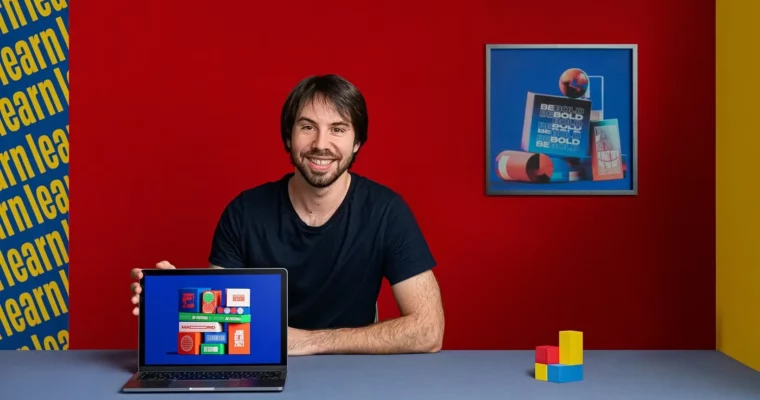
Animated Typography – Motion Design for Dynamic Compositions by Christophe Zidler

Actual Duration:3h 50m
Release date:2021, September
Publisher:Domestika
Skill level:Intermediate
Language:English
Exercise files:Yes
Software:Cinema 4D, Photoshop, After Effects
Course URL:https://www.domestika.org/en/courses/2253-animated-typography-motion-design-for-dynamic-compositions
This course is a practical, hands-on guide to making typography the star of your motion design projects. Christophe Zidler walks you through his entire process, from sketching ideas and building a mood board to designing in 2D, then bringing it all to life with 3D animation. You’ll end up with a polished, loop-ready animated poster that’s portfolio gold.
🎯 What you’ll learn
- Design a typographic poster in Photoshop with a strong composition.
- Build and animate 3D type in Cinema 4D.
- Create smooth, looping animations in After Effects.
- Combine 2D and 3D elements for a dynamic final piece.
✅ Requirements
- Skills: Working knowledge of Photoshop and After Effects. Some experience with Cinema 4D is recommended.
- Tools: A computer with Photoshop, After Effects, Cinema 4D, and the Octane render plugin Hardware:* A dedicated GPU is recommended for rendering with Octane.
📝 Description
This isn’t just about pushing buttons. Christophe breaks down his creative workflow, showing you how to find inspiration and translate a rough idea into a tight design brief. You’ll start in Photoshop, building a solid 2D composition for your typography. Then, you’ll jump into Cinema 4D to give those letters real weight and depth, using Octane for that polished, professional look.
The real magic happens when you bring it all into After Effects. Christophe guides you through simple and intermediate animation techniques, teaching you how to create a seamless loop that feels alive. He covers everything from basic keyframes to combining multiple animated elements, so your final piece has real rhythm and energy. It’s a straight-up, no-fluff look at a real-world motion design pipeline.
🧑🎓 Who this course is for
- Graphic designers looking to add motion to their typography work.
- Motion designers wanting to improve their 3D typography skills.
- Anyone with a solid grasp of After Effects and Photoshop who wants to create dynamic, loop-based animations.
🧑🏫 About the Author
Christophe Zidler is a freelance motion designer based in Budapest. He studied at GOBELINS and other multimedia schools in France, then cut his teeth at the Paris agency Ultranoir. Now working with big-name clients like Microsoft, Toyota, and Vogue, he brings a professional, client-focused approach to his teaching. His work is all about clean design and punchy animation.
🏁 Final Result
- A fully animated, loop-ready typographic poster that combines 2D design and 3D animation.
- A portfolio piece demonstrating your ability to handle a complete motion design project from concept to final render.
 Channel