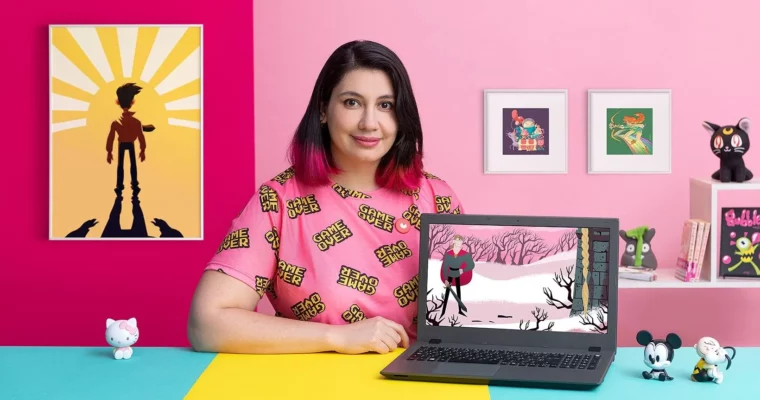
Expressive Techniques for Character Animation by Memé Candia

Actual Duration:3h 35m
Release date:2021, May
Publisher:Domestika
Skill level:Intermediate
Language:Spanish
Exercise files:Yes
Software:2D Animation Software
Course URL:https://www.domestika.org/en/courses/1570-expressive-techniques-for-character-animation
Learn to make your characters feel like real people, not just moving shapes. This course focuses on the acting side of animation—how to use facial expressions and body language to tell a story in just a few seconds. You’ll work from a real audio clip, design a character that can actually emote, and build a short, punchy scene that shows off your new skills.
🎯 What you’ll learn
- Apply acting techniques to create believable character emotions
- Design a character specifically for expressive animation
- Analyze audio clips to drive performance and timing
- Build a complete five-second animated scene from start to finish
✅ Requirements
- Skills: Basic animation knowledge and some experience with character animation.
- Tools: A graphics tablet and your preferred 2D animation software for drawing and sequencing.
- Hardware: A camera for recording reference footage.
📝 Description
This isn’t just about making a character blink. Memé Candia teaches you to think like an actor first, an animator second. You’ll start by breaking down an audio clip to understand its emotional core, then design a character whose features can actually support the expressions you need. The real magic happens when you learn to map real human facial expressions onto your drawings, using keyframes and breakdowns to create smooth, believable transitions between emotions.
The course is built around a single, focused project: a five-second animation. That constraint forces you to make every frame count. You’ll record yourself as reference, identify the most important poses, and then clean up your animation for a polished final result. Memé also shares practical tips on building a demo reel, so you can show off your new work to potential clients or studios. It’s a hands-on, no-fluff approach to making your characters actually perform.
🧑🎓 Who this course is for
- Animators who want to add more emotional depth to their characters.
- Illustrators and designers looking to move into character animation.
- Animation enthusiasts with basic software knowledge who want to focus on performance.
🧑🏫 About the Author
Memé Candia is a graphic designer and professional 2D animator from Mendoza, Argentina. She started her career at Vlexus studio producing TV content before going freelance. Her client list includes major brands like Disney XD, Cartoon Network, Coca-Cola, Uber, and Nike. She now runs her own studio, Bonkers Animation, with a team of friends and colleagues. Her work focuses on bringing personality and life to every frame.
🏁 Final Result
- A five-second animated scene featuring your own character, driven by an audio clip and packed with expressive emotion.
 Channel