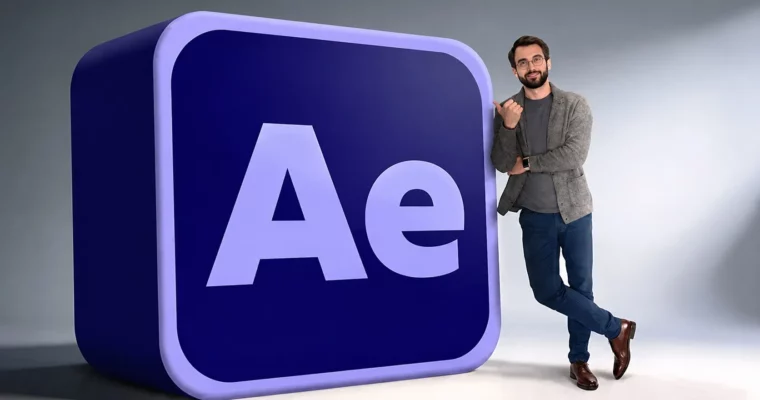
Adobe After Effects 2026 – Beginner to Advanced by Vlad Sateev

Duration:2.5 hours
Actual Duration:2h 17m
Release date:2026, April
Publisher:Udemy
Skill level:Beginner
Language:English
Exercise files:Yes
Software:Adobe After Effects, Adobe Premiere Pro
Course URL:https://www.udemy.com/course/adobe-after-effects-beginner-to-advanced/
This course is a straight shot from opening After Effects for the first time to building real motion graphics, VFX, and 3D animations. It skips the fluff and focuses on the exact workflow used by video editors and content creators to make videos that actually perform. You’ll learn by doing, with every lesson building on the last.
🎯 What you’ll learn
- Master keyframes, the graph editor, and layer properties to animate anything.
- Build professional motion graphics like logo animations and lower thirds.
- Remove objects from footage using AI-powered Content Aware Fill and rotoscoping.
- Create cinematic 3D text and work with 3D models, materials, and lighting.
- Automate animations with expressions like wiggle, loop, and time.
- Export final videos and link After Effects to Premiere Pro via Dynamic Link.
✅ Requirements
- Skills: No prior experience with After Effects is needed.
- Tools: Access to Adobe After Effects.
- Hardware: A computer capable of running Adobe After Effects.
📝 Description
This isn’t a theory-heavy course. It’s a hands-on, step-by-step walkthrough designed for people who want to get results fast. You’ll start by understanding the interface and your first composition, then immediately jump into animating with keyframes and the Graph Editor.
The curriculum is built around real-world tasks. You’ll build kinetic typography that looks like a Netflix intro, create reusable Motion Graphics Templates (MOGRTs) for Premiere Pro, and learn how to remove objects from footage using AI. The course also covers the full 3D pipeline inside After Effects, from setting up a 3D camera and depth of field to importing models and lighting a scene with HDRI.
A major focus is on the practical workflow that connects After Effects to Premiere Pro. You’ll learn the Dynamic Link workflow, which is essential for any professional video editor. The final sections cover exporting for different platforms and creating trending social media effects like glitch and shake transitions. Every lecture uses real footage and real projects, so you’re never just watching a demo.
🧑🎓 Who this course is for
- Complete beginners who have never opened After Effects.
- Video editors using Premiere Pro who want to add motion graphics and VFX to their skillset.
- Content creators and social media managers looking to make their videos more professional.
- Freelancers and designers wanting to add After Effects to attract higher-paying clients.
🧑🏫 About the Author
Vlad Sateev is a video editor with over 10 years of experience creating content for YouTube, Instagram, and TikTok. He has managed two of the biggest YouTube channels in their niches, with his edited videos generating millions of views. His teaching focuses on the exact, practical workflow he uses daily to create high-performing content with Adobe After Effects.
🏁 Final Result
- A portfolio of finished projects including a logo animation, a lower third, a 3D cinematic title, and a composited VFX shot.
- The confidence to take on real client work using After Effects and Premiere Pro together.
 Channel