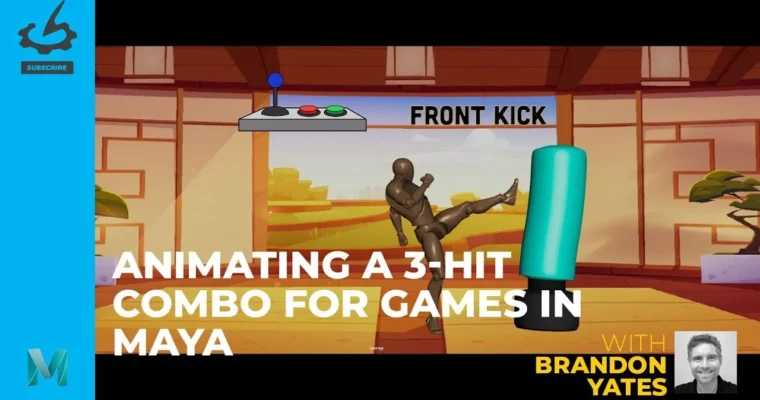
Animating a 3-Hit Combo for Games in Maya (HD) by Brandon Yates

Duration:6h 33m
Actual Duration:6h 33m
Release date:2024, February
Publisher:Gnomon
Skill level:Advanced
Language:English
Exercise files:Yes
Software:Maya
Course URL:https://www.thegnomonworkshop.com/subscription
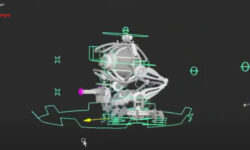
Ready to level up your game animation skills? This workshop dives into transforming raw motion capture data into a slick, three-hit combo that feels right at home in a AAA game. We’ll be using Maya and its powerful HumanIK system to get your character moving like a pro.
🎯 What you’ll learn
- Animate a 3-hit combo using motion capture as a base.
- Master Maya’s HumanIK motion-capture package for retargeting and animation.
- Implement advanced posing, timing, and layering techniques for game animation.
- Branch out combo strings to create fluid, responsive player-controlled animations.
- Achieve AAA game quality using animation layers, the Time Editor, and Time Warp.
✅ Requirements
- Skills: Familiarity with Maya animation tools and concepts.
- Tools: Maya (latest version recommended).
- Hardware: A computer capable of running Maya smoothly.
📝 Description
This advanced workshop is all about making your game characters move with impact. We’re taking motion capture data and refining it to create a dynamic three-hit combo in Maya. You’ll learn the ins and outs of the HumanIK system, focusing on how to retarget mocap accurately and then tweak it for that perfect game feel. Brandon Yates, a seasoned industry pro, will guide you through essential techniques like advanced posing, timing, and layering animations. We’ll cover how to make sure your combos flow seamlessly, no matter how the player strings them together, and how to branch out those combos into different variations. By the end, you’ll be comfortable using Maya’s animation layers, the Time Editor, and Time Warp to produce AAA-quality combat animations.
🧑🎓 Who this course is for
- Animators looking to integrate motion capture into their game animation workflow.
- Artists aiming to create high-quality, responsive combat animations for video games.
- Anyone wanting to master Maya’s advanced animation tools for game development.
🧑🏫 About the Author
Brandon Yates is a Lead Animator at Omeda Studios, bringing nine years of experience in both gameplay and cinematic animation to the table. A 2014 graduate with a Bachelor’s in Computer Science, Brandon blends technical skill with creative performance to make characters and worlds truly come alive in interactive experiences. His impressive portfolio includes work on major titles like Injustice 2, Mortal Kombat 11, Days Gone, Just Cause 4, Rogue Company, and Redfall. Brandon’s focus is always on crafting fluid, dynamic animations that boost gameplay, enhance storytelling, and immerse players.
🏁 Final Result
- A portfolio-ready, AAA-quality three-hit combo animation for a game character, created using motion capture and refined in Maya.
 Channel