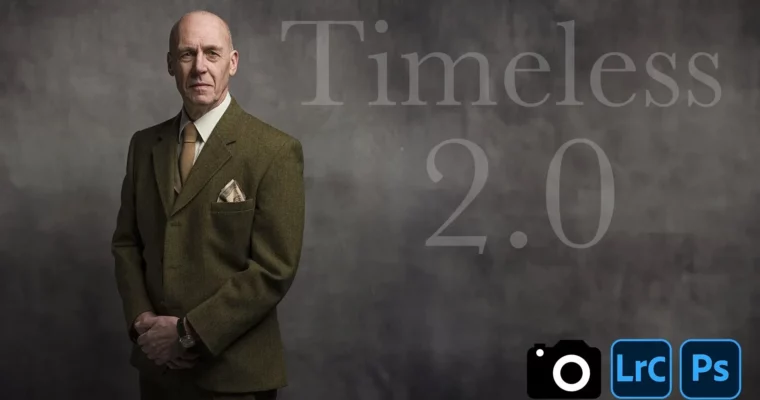
Timeless 2.0 by Glyn Dewis

Actual Duration:1h 29m
Release date:2026, June
Publisher:Teachable
Skill level:Intermediate
Language:English
Exercise files:Yes
Software:Adobe Lightroom, Adobe Camera RAW, Adobe Photoshop
Course URL:https://glyndewis.teachable.com/
Create classic, ageless portraits using just a single flash. This course shows you how to work in tight corners—at home, in a cafe, or outside—and still produce seated, standing, and close-up shots that feel timeless. You’ll learn the gear, the lighting moves, and the retouching workflow to get print-ready results.
🎯 What you’ll learn
- Set up a single flash and modifier for flattering, classic light.
- Work in small spaces without a dedicated studio.
- Master key camera and flash settings for consistent results.
- Use a reflector and small shifts to improve any portrait.
- Retouch portraits using frequency separation and dodge-and-burn in Photoshop.
✅ Requirements
- Skills: Basic understanding of your camera’s manual mode.
- Tools: A camera with a hotshoe, a single off-camera flash, a light stand, and a softbox or umbrella.
- Hardware: A computer capable of running Adobe Lightroom and Photoshop.
📝 Description
This isn’t about having a massive studio or a truck full of gear. Timeless 2.0 is built around the idea that you can make stunning, classic portraits with just one flash and a bit of know-how. Glyn Dewis walks you through every step, from setting up a lightweight backdrop like the Westcott X-Drop to positioning your single light source for flattering results.
The course breaks down the thinking behind each lighting decision. You’ll learn why a small shift in the flash position changes the mood, how to cheat a shadow for a cleaner look, and when to bounce a kick of fill light. It covers real-world scenarios: shooting indoors with one window, under a streetlight, or even in harsh midday sun. The goal is to give you a repeatable system, not just a one-off trick.
Once you’ve got the shot, the course moves into a complete retouching workflow. You’ll go from Lightroom to Camera RAW to Photoshop, covering essential techniques like frequency separation for skin, dodge-and-burn for shaping, and adding LUTs for a final color grade. You get a full library of videos, a Timeless Workbook, project files, and a PDF to help you develop your own style.
🧑🎓 Who this course is for
- Photographers who want to create classic portraits without a big studio or budget.
- Hobbyists looking to improve their lighting skills with minimal gear.
- Anyone who wants a clear, repeatable system for single-flash portraiture.
🧑🏫 About the Author
Glyn Dewis is a photographer, educator, and best-selling author of books on photography and Photoshop techniques. He is a Photoshop World Dream Team Instructor, a BenQ Ambassador, and a Westcott Top Pro. In 2017, he was awarded Adobe Max Master following his presentations in Las Vegas. His clients include the BBC and Sky TV, and he has been featured in the New York Times for his “Invisible Black Background” technique. He regularly presents at events worldwide, covering all aspects of photography and post-production.
🏁 Final Result
- A complete library of video lessons and downloadable resources.
- A portfolio of classic, print-ready portraits made with a single flash.
- A repeatable workflow for lighting, shooting, and retouching timeless images.
 Channel