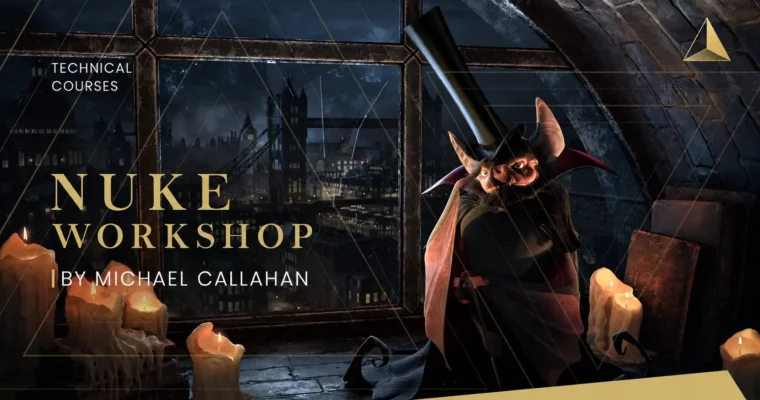
Nuke Technical Workshop by Michael Callahan

Actual Duration:10h 14m
Release date:2017
Publisher:Academy of Animated Art
Skill level:Beginner
Language:English
Exercise files:Yes
Software:Nuke
Course URL:https://www.courses.academyofanimatedart.com/p/nuke_technical_workshop
If Nuke always felt like a black box, this fixes it. Mike Callahan walks you through a full multi-pass CG shot, from install and interface to final comp, with all the messy production decisions left in.
🎯 What you’ll learn
- Navigate the Nuke UI, shortcuts and project setup for a real shot
- Build a fast slap comp to check plates and CG early
- Handle alpha channels and premultiplication without fringing
- Use proxies, trackers and camera projection to keep heavy scenes workable
- Break apart and rebuild AOVs for full control over your CG
- Apply ZDefocus, grades and color correction for depth and integration
- Add fog, atmosphere and pmattes to sell scale
- Use Merge, KeyMix and AddMix nodes correctly in production situations
✅ Requirements
- Skills: Basic computer literacy and a rough idea of what compositing is. No prior Nuke experience needed.
- Tools: A recent version of Foundry Nuke installed, 3-button mouse for Viewer navigation.
- Hardware: 64-bit machine with 16GB+ RAM, dedicated GPU and enough disk space for multi-pass CG renders.
📝 Description
This is soup to nuts Nuke training. You start with installation and the user interface, then jump straight onto a shot. No isolated button demos. You set up a project, build a slap comp, sort out alphas, and make a game plan like you would on a job.
Mike leaves some things intentionally open. That is on purpose. Real shots do not come with perfect instructions. You will deal with heavy plates using proxies, stabilize and match with trackers, and use camera projection to fill gaps instead of asking for new renders. It is all the little 2D hacks working compositors use every day to hit deadline.
Then you get into the meat: AOVs, light control, ZDefocus for depth, grades and color correction for integration, plus fog and atmosphere. You will learn when to use Merge vs KeyMix vs AddMix, how to build clean pmattes, and how to stack everything into a final comp that actually holds up. By the end you have a repeatable process you can drop onto any CG shot.
🧑🎓 Who this course is for
- Beginners who want to learn Nuke on a real shot, not toy examples
- 3D and lighting artists who render passes and need to comp them properly
- Junior compositors who know nodes but struggle with shot strategy and AOV workflows
🧑🏫 About the Author
Michael Callahan is a Senior Nuke Compositor with over 20 years in film, TV and commercials. He has worked on shows like The Mandalorian, Westworld, The Orville and Star Trek: Discovery, plus time in both on-set production and digital post.
He is skilled in both Nuke and Houdini and is currently a Senior Nuke Compositor at FuseFX in Los Angeles. He teaches the way he works – direct, practical, and focused on what actually gets shots finished.
🏁 Final Result
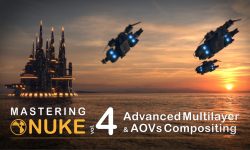
- A fully integrated multi-pass CG scene comped in Nuke – with rebuilt AOVs, depth, atmosphere, color balance and clean merges, ready to show as a shot-based portfolio piece.
 Channel