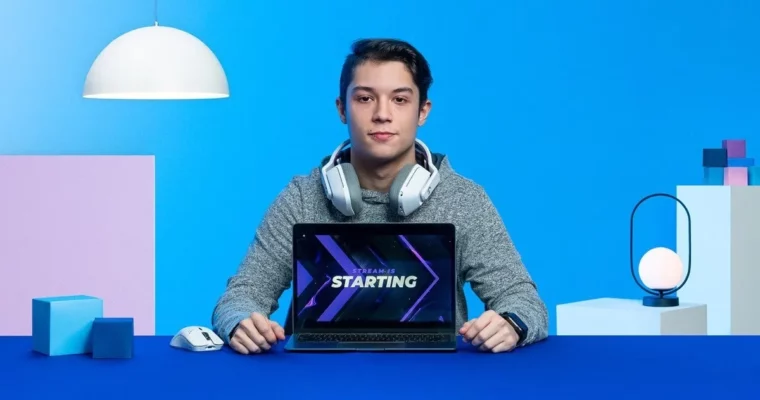
Stream Package Design for Twitch – Level Up Your Channel by StreamSpell

Actual Duration:3h 21m
Release date:2022
Publisher:Domestika
Skill level:Intermediate
Language:English
Exercise files:Yes
Software:Adobe Photoshop, Adobe Illustrator, Adobe After Effects, Adobe Media Encoder
Course URL:https://www.domestika.org/en/courses/3693-stream-package-design-for-twitch-level-up-your-channel
Want your Twitch channel to look legit instead of default? This course walks you through designing and animating a complete stream package with Photoshop, Illustrator, and After Effects — from first concept to working install.
🎯 What you’ll learn
- What makes a good stream package and how viewers read it
- How to set up your workflow in Photoshop and Illustrator for stream assets
- How to design a main scene with consistent visual identity
- How to adapt your design to webcam frame, overlay slot, and alerts
- How to animate your scenes and alerts in After Effects
- How to render, optimize, and install your package with Media Encoder and streaming software
✅ Requirements
- Skills: Basic knowledge of graphics and motion design, familiarity with layers and timelines
- Tools: Adobe Photoshop, Adobe Illustrator, Adobe After Effects, Adobe Media Encoder
- Hardware: Computer capable of running Adobe Creative Cloud, minimum 16GB RAM
📝 Description
If you stream on Twitch, you know the problem: blurry panels, mismatched overlays, and static images that kill the vibe. Lucas starts with what actually works — readability on small screens, consistent layout, and motion that supports gameplay instead of distracting from it.
You will build it like a real job. First, lock a concept, then design your main scene in Photoshop and Illustrator. You will set up grids, shapes, and color so you can reuse the same visual identity across everything. Then you stretch that system to the webcam frame, overlay slot, panels, and alerts. No one-off graphics, just a kit that fits together.
Then comes the fun part. You bring it all into After Effects and animate — loops for your starting scene, pops for alerts, subtle moves for frames. Lucas shows you how to keep files light, render with Media Encoder, and set everything up in your streaming software so it just works live. You finish by packing it into a one-click install, which is super handy if you want to share or sell packages later.
🧑🎓 Who this course is for
- Streamers and gamers who want a custom look instead of a pre-made template
- Creators and esports fans building overlays and alerts for their own channels
- Designers who want to add Twitch packages to their freelance services
🧑🏫 About the Author
Lucas Salgado is the creative director of StreamSpell, a studio focused on Twitch overlays, alerts, and animations. He has worked with broadcasters from all over the world on both free and premium packages, so he knows what holds up at 1080p, what breaks in OBS, and what viewers actually notice.
🏁 Final Result
- A fully designed and animated Twitch stream package with main scene, webcam frame, overlay elements, and alerts, rendered, optimized, and installed in your streaming software.
 Channel