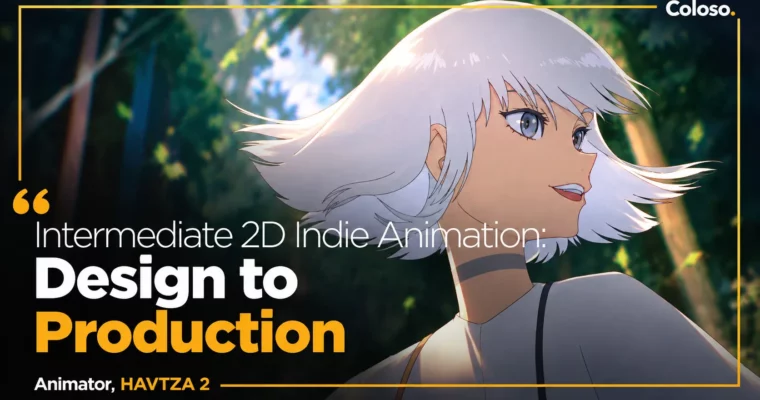
Intermediate 2D Indie Animation – Design to Production by HAVTZA

Duration:8Hours 1Minutes
Actual Duration:12h 19m
Release date:2024, May 21
Publisher:Coloso
Skill level:Intermediate
Language:English
Exercise files:Yes
Software:Procreate, Procreate Dreams
Course URL:https://coloso.global/en/products/animator-havtza2-us
This is HAVTZA’s second class, and it’s all about going indie for real. You’ll take an idea from zero to a finished, portfolio-ready animation using Procreate and Procreate Dreams on iPad, with a workflow you can reuse in any software.
🎯 What you’ll learn
- Use Procreate and Procreate Dreams for a full indie production pipeline
- Design functional characters with volume, appeal, and animation-ready sheets
- Build backgrounds with layout, perspective, layers, and camera movement in mind
- Control timing with timing charts, straight ahead and pose to pose methods
- Animate objects and characters with intent, deformation, and spatial movement
- Finish with rough animation, clean-up, coloring, compositing, and effects
✅ Requirements
- Skills: Basic drawing skills and understanding of 2D animation fundamentals, FlipaClip experience helpful but not required
- Tools: iPad with Procreate and Procreate Dreams installed, Apple Pencil
- Hardware: iPad compatible with Procreate Dreams, enough storage for animation project files
📝 Description
This isn’t a button-tour. HAVTZA teaches how he actually works as a freelancer who has to jump between roles and software. You’ll start in Procreate for character and background design, then move into Procreate Dreams for timeline, keyframes, and final animation. Same logic works in Toon Boom, TVPaint, or whatever your studio uses.
Character work comes first. You’ll build a base from simple shapes to get volume right, then push it into a functional design that’s easy to move. That means character sheets, turnarounds, and a compositing guide with colors locked in. No over-detailed designs that fall apart on frame 10.
Backgrounds get the same practical treatment. You’ll sketch multiple thumbnails with perspective, pick one that helps the action, then separate layers for parallax and camera moves. Then color, light, and set it up in Dreams so the camera actually adds energy instead of just sitting there.
Then animation. You’ll test timing charts with straight ahead vs pose to pose, learn to show weight and personality through timing and squash-and-stretch, and break down tricky object and character interactions into simple parts. From animatic to rough animation, clean-up, coloring, and compositing with clipping masks, lighting, and filter keyframes — you do the whole pipeline yourself.
🧑🎓 Who this course is for
- Animators who want to get faster and cleaner with Procreate Dreams tools
- Animators who want characters and backgrounds that are actually built for movement
- Freelance and independent animators who want to run a full production solo
🧑🏫 About the Author
HAVTZA is a freelance 2D animator and producer with 4 years working with studios and private clients. He handles both work-for-hire roles across the animation pipeline and full independent productions.
He is also the Founder, Manager, and Lead Creator at HAVTZA, where he develops his own shorts and client work. His first Coloso class covered fundamentals in FlipaClip — this one picks up with a refined, production-focused workflow in Procreate Dreams.
🏁 Final Result
- A portfolio-ready 2D indie animation short designed, animated, and composited by you in Procreate Dreams, plus character sheets and background keys to show your process.
📢 Guys, this is a Group Buy campaign, check the GBC forum thread to get access
You can find the course preview in the download section below.
 Channel